


5–10 jours
sécurisés
Description
Description
PolyFlex™ TPU90 : TPU ultra-souple, flexible et à impression rapide
Conçu pour une flexibilité supérieure
PolyFlex™ TPU90, développé à partir de la gamme Addigy® de Covestro, est un filament en polyuréthane thermoplastique (TPU) conçu pour offrir une flexibilité exceptionnelle sans compromettre la vitesse d’impression.
Dureté Shore ultra-souple
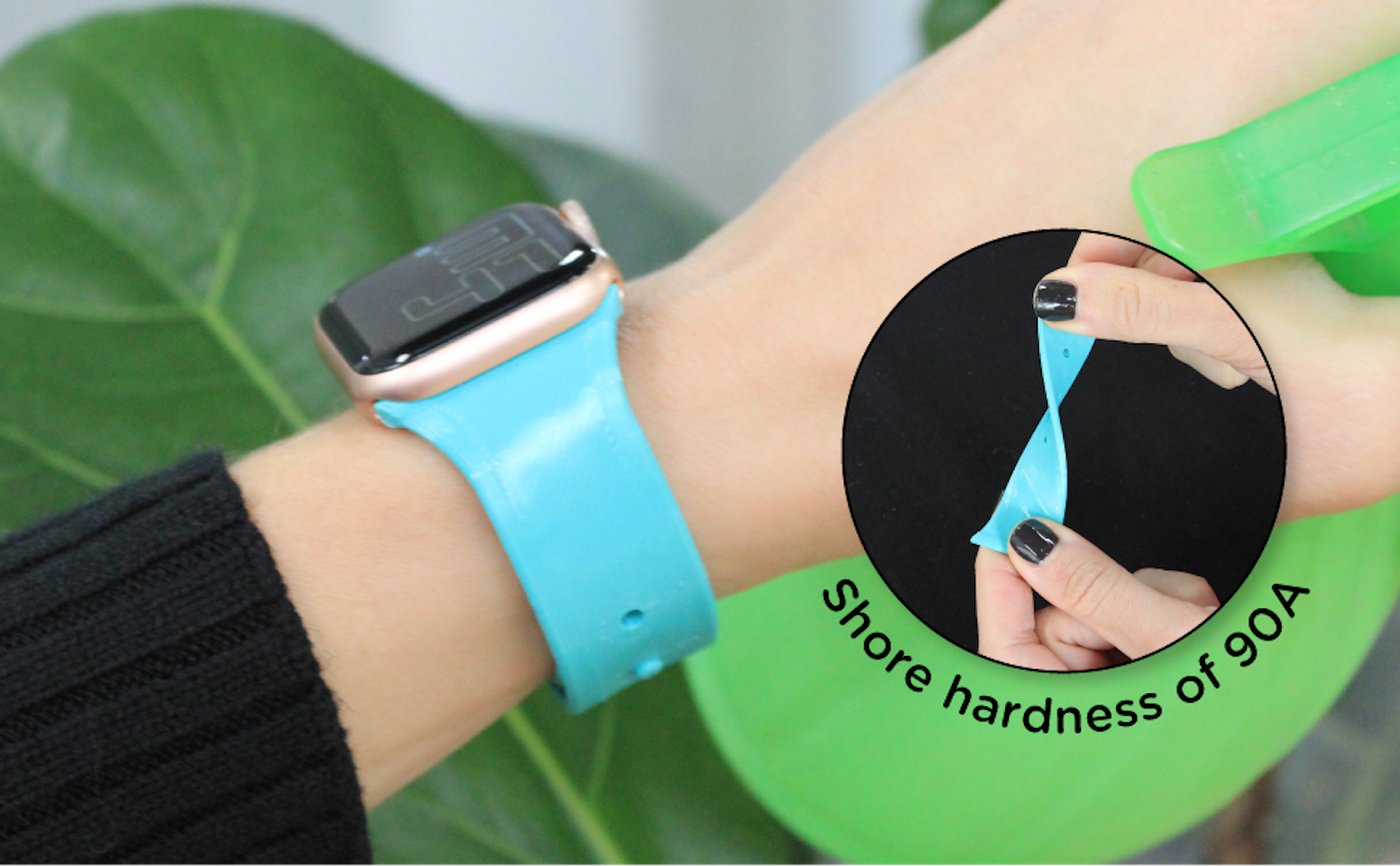
Avec une dureté Shore de seulement 90A, PolyFlex™ TPU90 est exceptionnellement souple et très flexible, ce qui le rend idéal pour les applications nécessitant un contact doux et une grande élasticité.
Optimisé pour les extrudeuses directes
En raison de sa grande souplesse, il est recommandé d’utiliser une extrudeuse à entraînement direct afin de garantir une impression fluide et fiable, tout en minimisant les risques de bourrage du filament ou de problèmes d’alimentation.
Parfait pour les pièces souples et fonctionnelles
Choisissez PolyFlex™ TPU90 pour des projets tels que des coques de téléphone, des bracelets de montre ou toute pièce nécessitant souplesse, flexibilité et confort.
Exigences d'impression
Paramètres d’impression
Paramètres d’impression
PolyFlex™ TPU90
Caractéristiques principales
- Soft et flexible
- Une imprimante fiable
- Idéal pour les pièces douces
- ISO 10993 La peau sécurisée testée
PolyFlex™ TPU90 - Noir / 1.75mm / 0.75kg est en rupture de stock et sera expédié dès qu'il sera de nouveau disponible.

Spécifications techniques
Tout ce dont vous avez besoin avant de lancer l’impression
Télécharger Tips
- Séchez d’abord le filament, puis ajustez la rétraction et les déplacements s’il y a des fils.
- Utilisez un cheminement du filament court et bien contraint, et réduisez la vitesse d’impression si le filament flexible se plie ou avance de manière irrégulière.
- Commencez dans les plages recommandées de 210 à 230 °C pour la buse et de 25 à 60 °C pour le plateau, puis effectuez de petits ajustements en fonction de l’imprimante et du modèle.
- Utilisez le réglage recommandé du ventilateur de refroidissement sur ON et maintenez la vitesse d’impression entre 30 et 70 mm/s.
| Propriété | X-Y | Z | Valeur | Méthode |
|---|---|---|---|---|
| Densité | — | — | 1.21 g/cm³ Important | ISO 1183 |
| Résistance à la traction | 30.1 MPa Important | — | — | ISO 527 |
| Allongement à la rupture | 592.1 % Important | — | — | ISO 527 |
Testé sur des échantillons avec un taux de remplissage de 100 %. X-Y = transversalement aux couches, Z = entre les couches (adhésion interlaminaire).
Foire aux questions
Vous avez des questions ? Nous avons les réponses. Du choix du matériau adapté à l’entretien de vos bobines, voici tout ce que vous devez savoir au même endroit.
Puis-je imprimer mon imprimante PolyFlex™ TPU90?
Ce qui fait PolyFlex™ TPU90 unique ?
Qu’est-ce que le nombre représente ?
Vous avez des suggestions lors de l'impression TPU90 Avec une structure de support sur une imprimante unique extruder ?
Revue
Customers praised this flexible filament for "great print quality" and "consistent color over the years." While most found it easy to print across various printers, some noted it requires settings adjustments to minimize stringing. Shoppers reported excellent results for functional applications like bumpers and robotics, with strong adhesion and durability.
First time using TPU. It worked well. I didn't do anything complicated. The first print the seam was a bit pronounced, but after that it was much better. It is a nice color, and so far holding up well. I used it as a boot on a stainless water bottle.
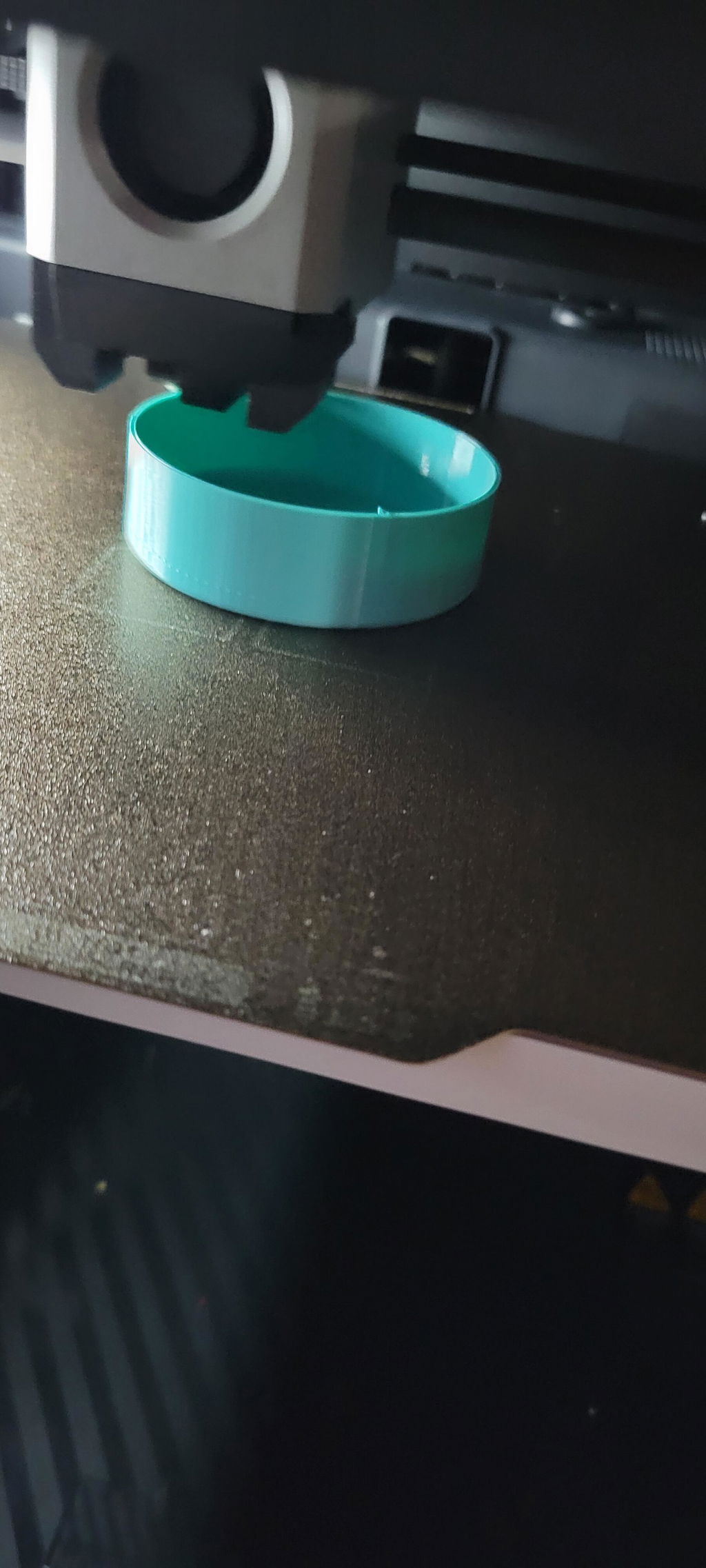
Wanted a flexible filament a little softer than 95A. This TPU delivers! The color is great and it prints relatively easy. I took one star off because it didn't print very smooth, despite being bone dry. It may be user error and it could be I need to tweak the settings.
Poor winding wants to grab
Prints wonderfully
Not tried it been waiting for p2s combo for 5 wks
We are sorry if you have not gotten to try out the material! We hope you can re-review us after you do try it out as a 1 star review for an untested product does hurt. If you ever have questions feel free to reach out to the email listed on the spool!
Consistent color over the years. And great print quality I have printed on an ender 3, century carbon, and H2C with this tpu and have been very happy with the results.
This functional PLA is a dream to work with.
Thanks for making such a great product.
I have a Bambu A1 Mini and I wanted to print out softer TPU protection for my DIY FPV Cinewhoop and this product worked great as bumper material.
Good
Really beautiful results.Easy to print. Just put it in and go. Same pla profile as normal.Printed onAnycubic cobra 3Prusa i3mk3sPrusa Mk4Ender 3
No drama printing on my Prusa, using a flex filament preset. It can be a little stringy, but nothing that ruins a print so far.
Very surprised how easy this prints. Will continue to keep buying
Polymaker is quickly becoming my goto filament brand. It's quality is superior to many other brands I have used so I decided to try their poly flex material and was beyond satisfied. This worked so incredibly well in my bambu x1c printer. The filament lays down smooth, and printing was a breeze..I highly recommend this filament if you need to print Tpu. We utilize ours in combat robotics, so it must be strong, be capable of correct sizing and overall high quality as it will be subjected to extreme stresses.
I have used this for multiple printed ant combat robots and it has held up great, no damage has ever been done to a part made from this. The one drawback is the fine tuning that is necessary to get a clean print, I haven't even figured it out yet. My models usually have so much stringing that I have to sit down for 30 minutes and clean it off using a heat gun and scissors. Other than that, it has worked well for many things other than combat robots too. It is probably best to use this in less precise applications at the start, while you figure out the settings.
Was a pain to feed into my Prusa Mk3 and I had to tweak the idler tension, but once I got it "right", the "amazon basics TPU" preset in PrusaSlicer is all I needed to set. Great adhesion to the textured sheet - first layer calibration has a lot of leeway since this stuff sticks so well.
This filament was a bit tricky as it required very slow printing speeds to get good results on my Bambu Lab X1C. That being said, after dialing in the settings just right, I was able to get great results.
First time use of TPU and I found this to be very easy to print. Using a Prusa MK3 I choose the FIllamentum Flexfill 92A profile and adjusted the temperature to 220 and saved it. I used the default 0.2 layer height settings and adjusted any speeds greater than 50 mm/s down to 50 mm/s (recommended max speed per the guide). Everything printed better than expected on the first print. I did have some stringing when I printed multiple small parts closer to each other that was easily cleaned off. I have not yet taken the time to tweak anything to minimize stringing. Over I am very pleased with the PolyFlex90. For that matter I have been happy with every filament I have used from Polymaker.
I found the filament to be a bit tricky to configure (~30 minutes of adjusting). Once I figured it out, the printing is going great. Most of the trouble was connecting the infill properly, as it was only one path wide.0) Turn off (or limit) retraction if possible! The filament got soft and bent around the feeder gear, with retraction on.1) The printing speed on the box (30-90mm/s) does not match the speed on the roll (30-40 mm/s). I'm printing very slow.. probably 30-40mm/s.2) With a triangle infill, Cura has it so there is a zig-zag pattern which produces the infill. The second zig-zags were tearing up the first, so I raised the extruder temp to 235C. Slowing down helped this too.3) Turn up the bed temp to 80C or so for the first layers to get good adhesion, this stuff cools fast and then shrinks
