


5–10 days
Payments
Description
Description
Panchroma™ Translucent PLA: Unique Visual Effects with Single Wall Prints
Distinctive Translucent Appearance
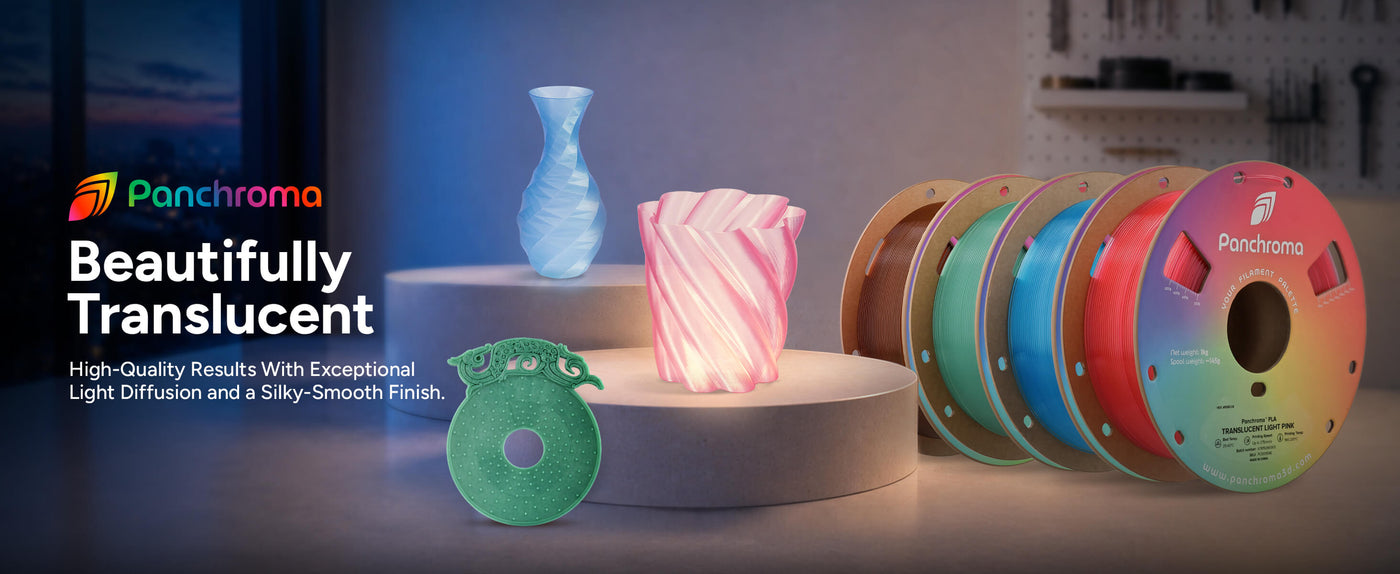
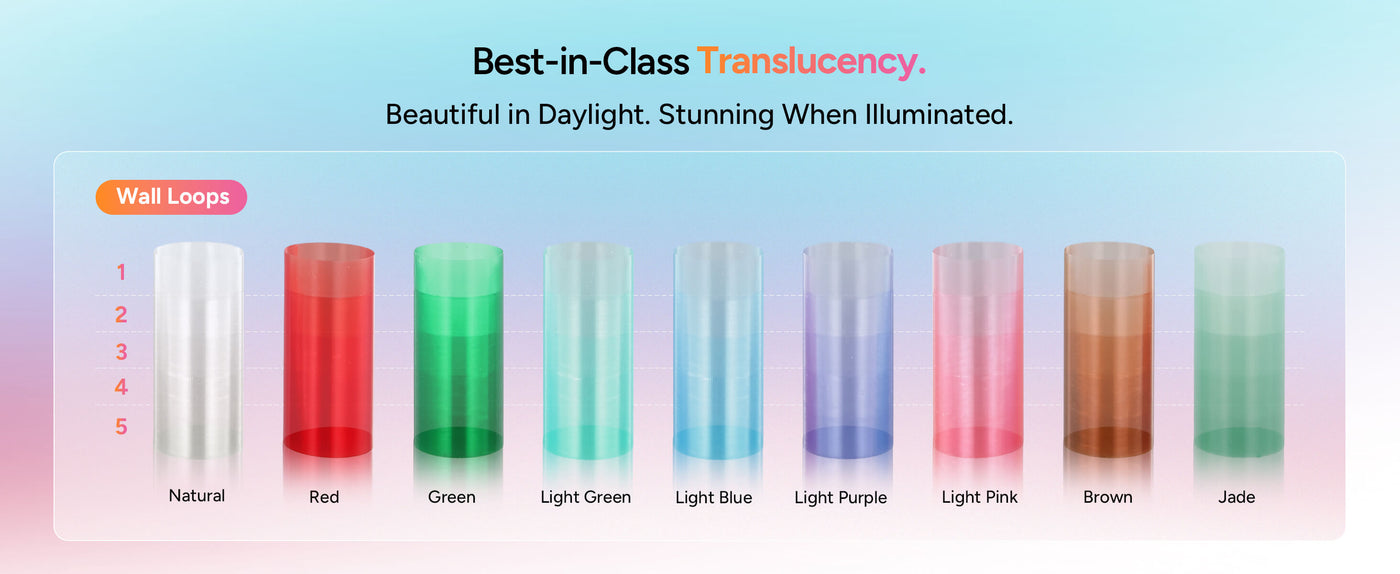
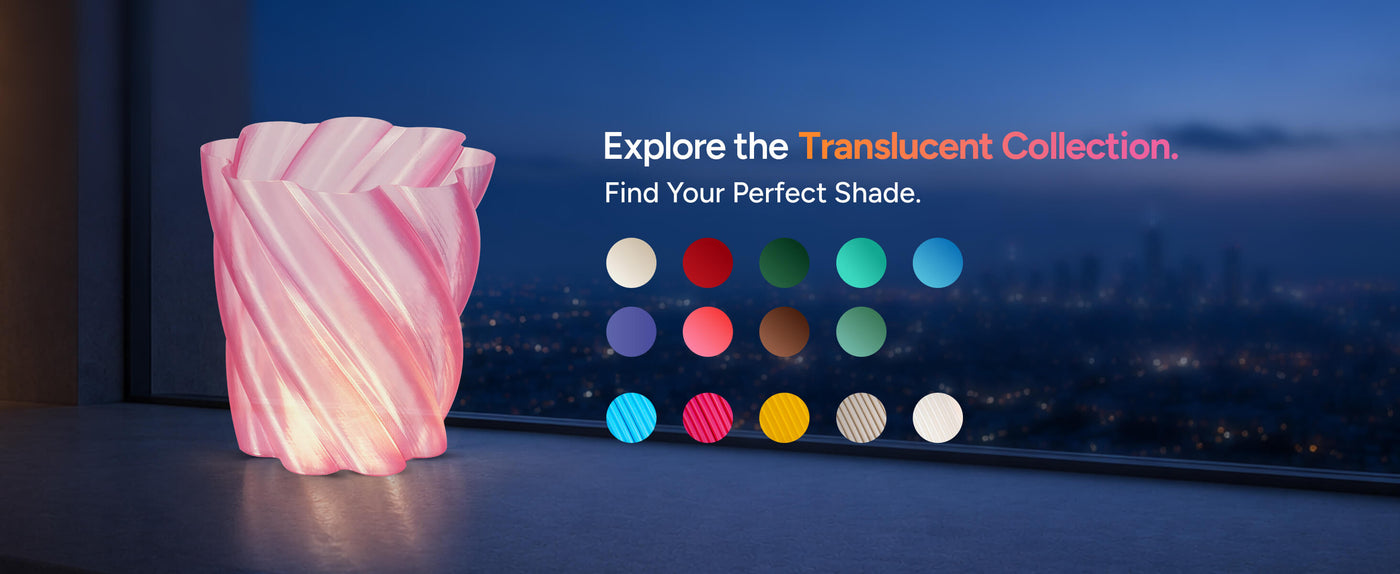
Panchroma™ Translucent PLA colors are specially formulated to create striking visual effects, especially when used in single wall or thin-walled prints. The translucency allows light to pass through, producing beautiful, glowing models with a unique aesthetic.
Easy to Print and Reliable
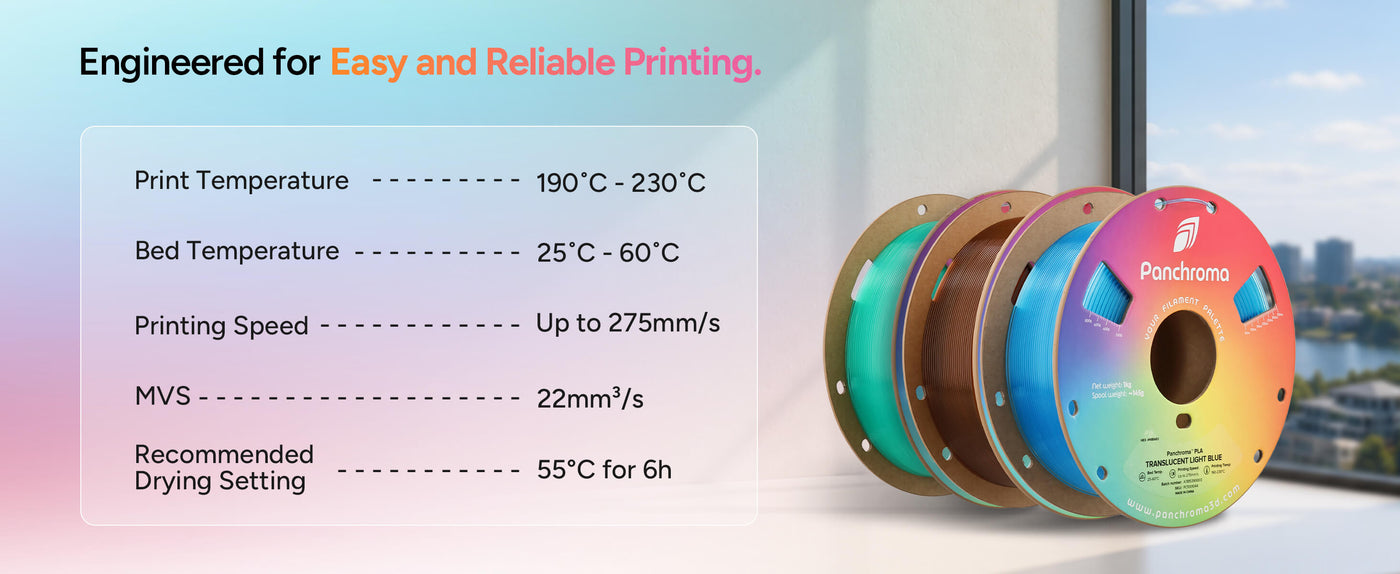
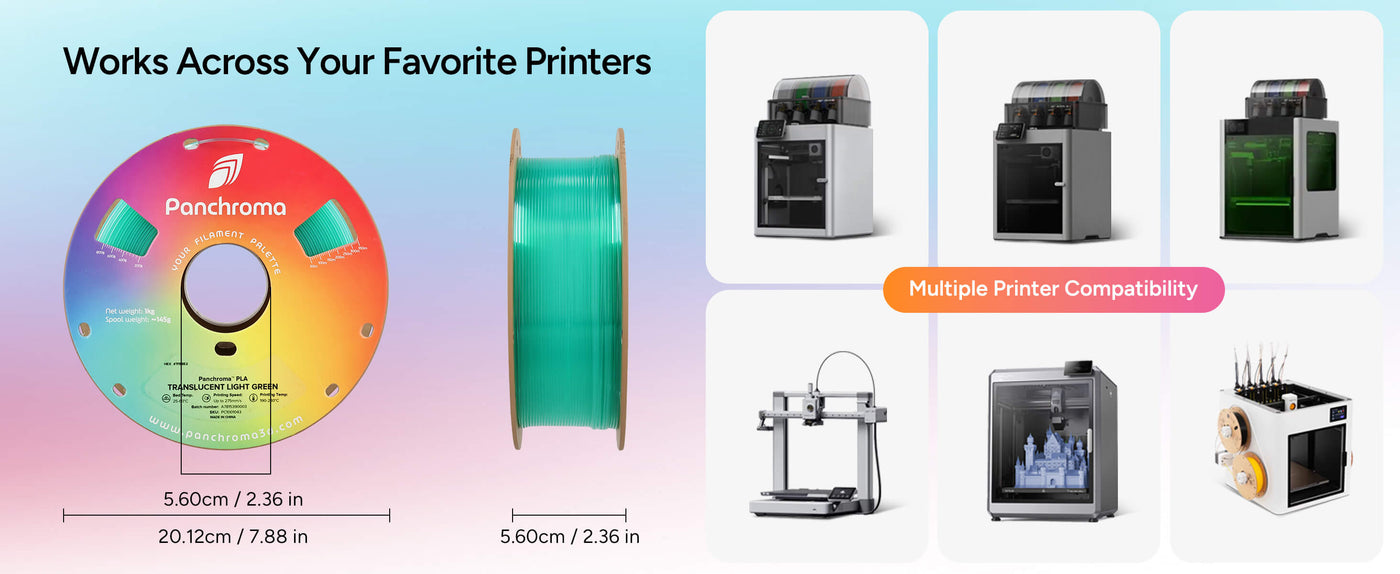
Like other Panchroma™ filaments, the Translucent PLA offers excellent printability, making it suitable for a wide range of desktop FDM/FFF 3D printers without requiring special settings.
Ideal for Artistic and Decorative Projects
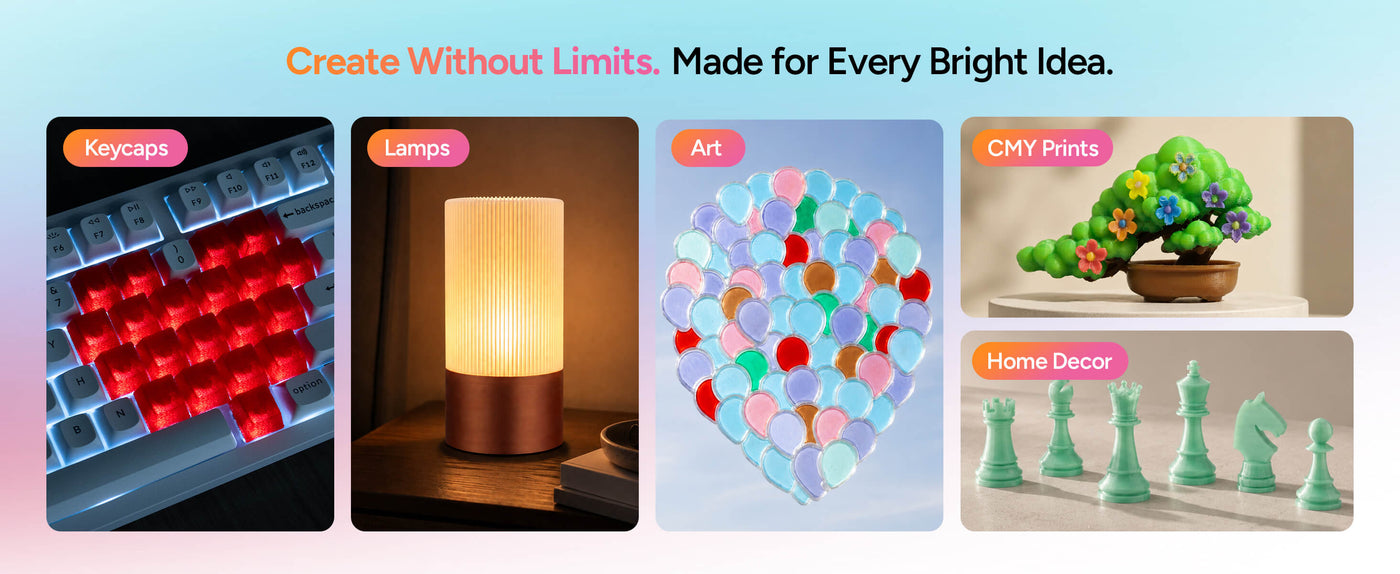
Choose Panchroma™ Translucent PLA when you want to highlight intricate details or create light-diffusing parts, perfect for lampshades, decorative models, and creative designs that benefit from a translucent effect.
Prints Designer: Arkay Prints
Printing Requirements
LayerHub is now live. A community-built home for filament presets — open to every filament brand, every printer. Every preset comes with a real print photo to prove it.
Print Settings
Print Settings
Panchroma™ Translucent PLA
Key Features
- Translucent Finish
- Easy to Print
- Optimized for Thin Walls
- Real Glass-Like Appearance
- CMY Compatible
Panchroma™ Translucent PLA - Translucent Cyan / Semi-Transparent / 1kg is backordered and will ship as soon as it is back in stock.
You May Also Like
![Panchroma Silk PLA 1.75mm 3D printer filament | Polymaker - Silk Gold]() From $17.99Unit price /Unavailable
From $17.99Unit price /Unavailable![Panchroma Starlight PLA 1.75mm 3D printer filament | Polymaker - Starlight Neptune]() From $26.99Unit price /Unavailable
From $26.99Unit price /Unavailable


Technical Specifications
Everything you need before you hit print
Printing Tips
- Use standard PLA settings, a 0.4 mm or larger nozzle, and full cooling for the best surface quality.
- Use thin walls and controlled infill when translucency is the priority, because wall thickness and internal structure remain visible.
- Use glue when needed on PC or textured PEI and allow the plate to cool before removal.
| Property | X-Y | Z | Value | Method |
|---|---|---|---|---|
| Density | — | — | 1.17 g/cm³ Important | ISO 1183 |
| Tensile strength | 52.3 MPa Important | 40.5 MPa Important | — | ISO 527 |
| Young's modulus | 3427 GPa Important | — | — | ISO 527 |
| Charpy, notched | 3.3 KJ/m² Important | — | — | ISO 179 |
| Vicat softening temperature | — | — | 63 °C Important | ISO 306 |
Tested on 100% infill specimens. X-Y = across the layers, Z = between the layers (layer adhesion).
Frequently Asked Questions
Got questions? We've got answers. From choosing the right material to caring for your spools, here's everything you need to know in one spot.
Is this material food safe?
Is this material AMS compatible?
Do you sell refills?
Is this material recyclable?
What is Panchroma™?
Can I mix and match effects into a single HueForge print?
Reviews
Customers praised this translucent PLA filament for "excellent quality" and "top notch" print results. Shoppers highlighted vibrant colors, smooth lines, and strong bed adhesion. Multiple reviewers noted it excels at color blending with Full Spectrum and HueForge applications. Quick shipping and excellent packaging were appreciated.
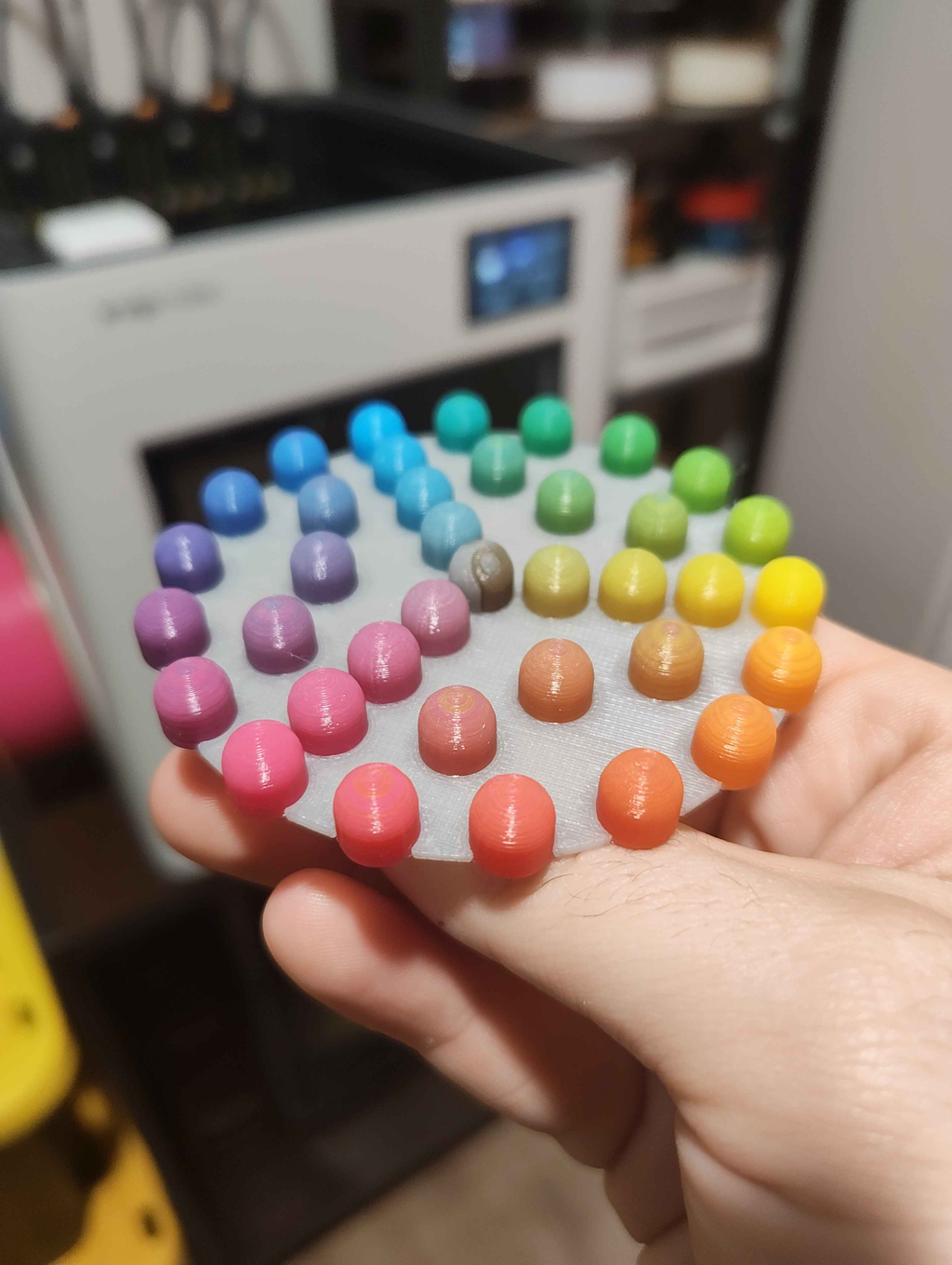
Upon ordering my U1, I of course immediately ordered the Translucent CMYK (with grey) Panchroma to experiment with full spectrum. I am blown away. Being in the printing industry professionally and a hobbyist for 10 years, this is one of the most impressive leaps forward we've seen in a while. Toolchangers truly are the future.
The filament is great, exactly what I was looking for, perfect consistency.
The spool is absolutely horrible in the AMS. It's the first time I'm dealing with cardboard spools and they are simply not fit for purpose.
I'll buy Polymaker filaments again, but I'll have to budget time to respool them onto proper plastic spools.
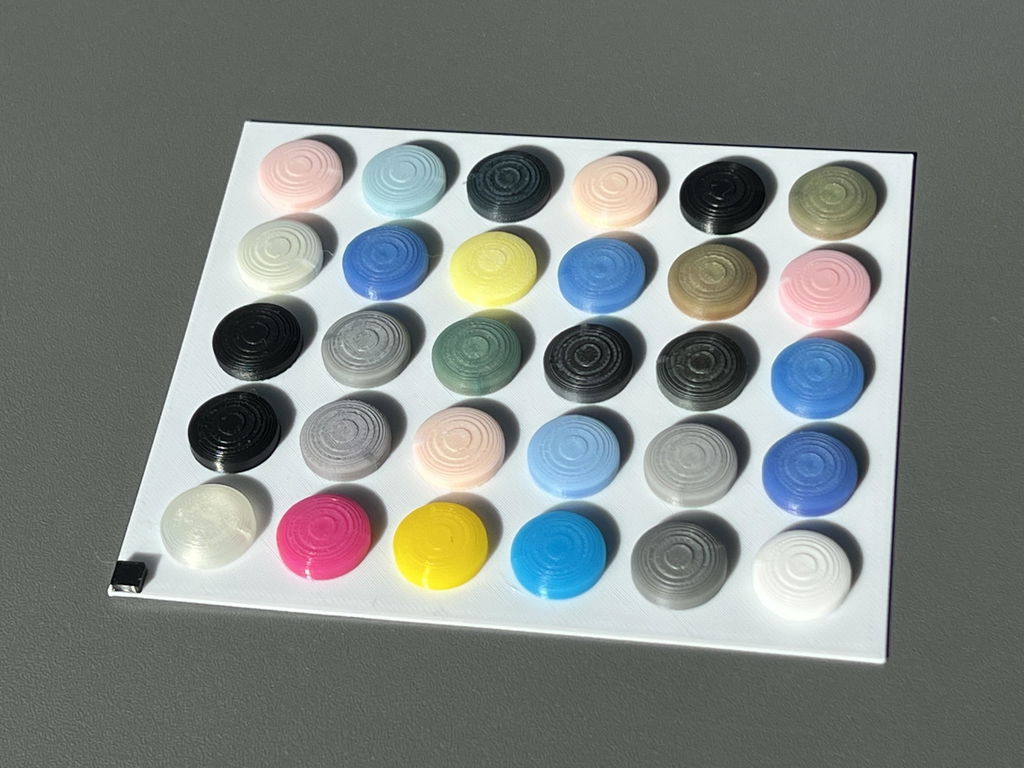
Prints well but not as transparent as sunlu or ziro.
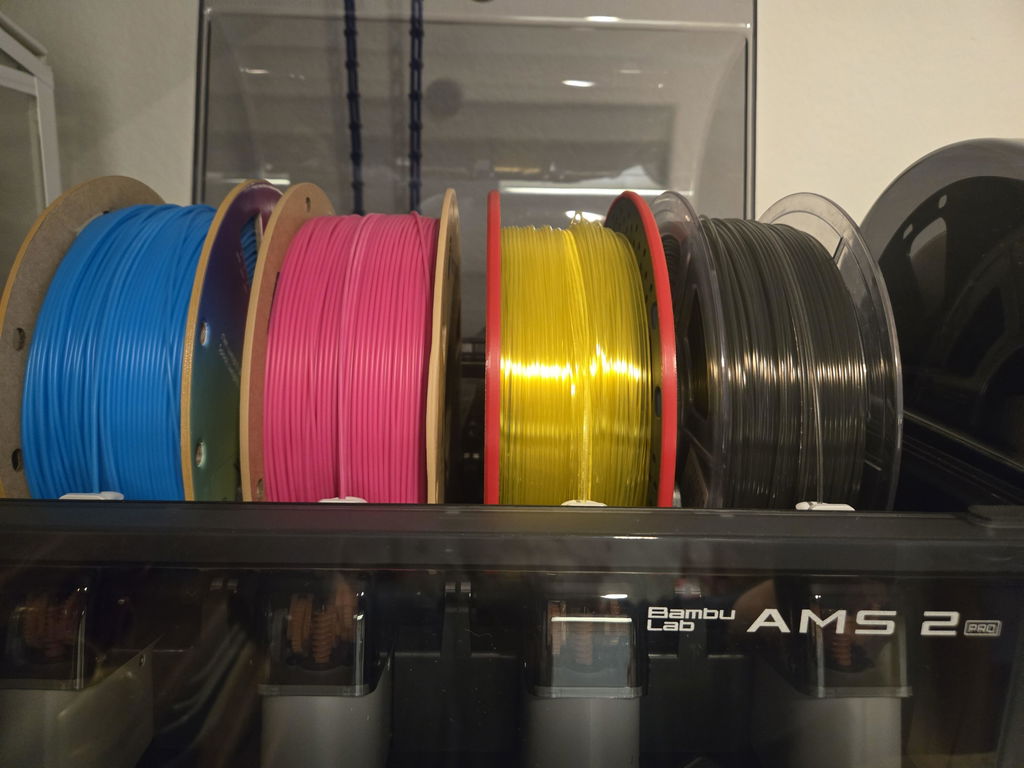
First Timer to PolyMaker and I'm a convert! I have had no problem getting your filaments to print, and the results have been outstanding.
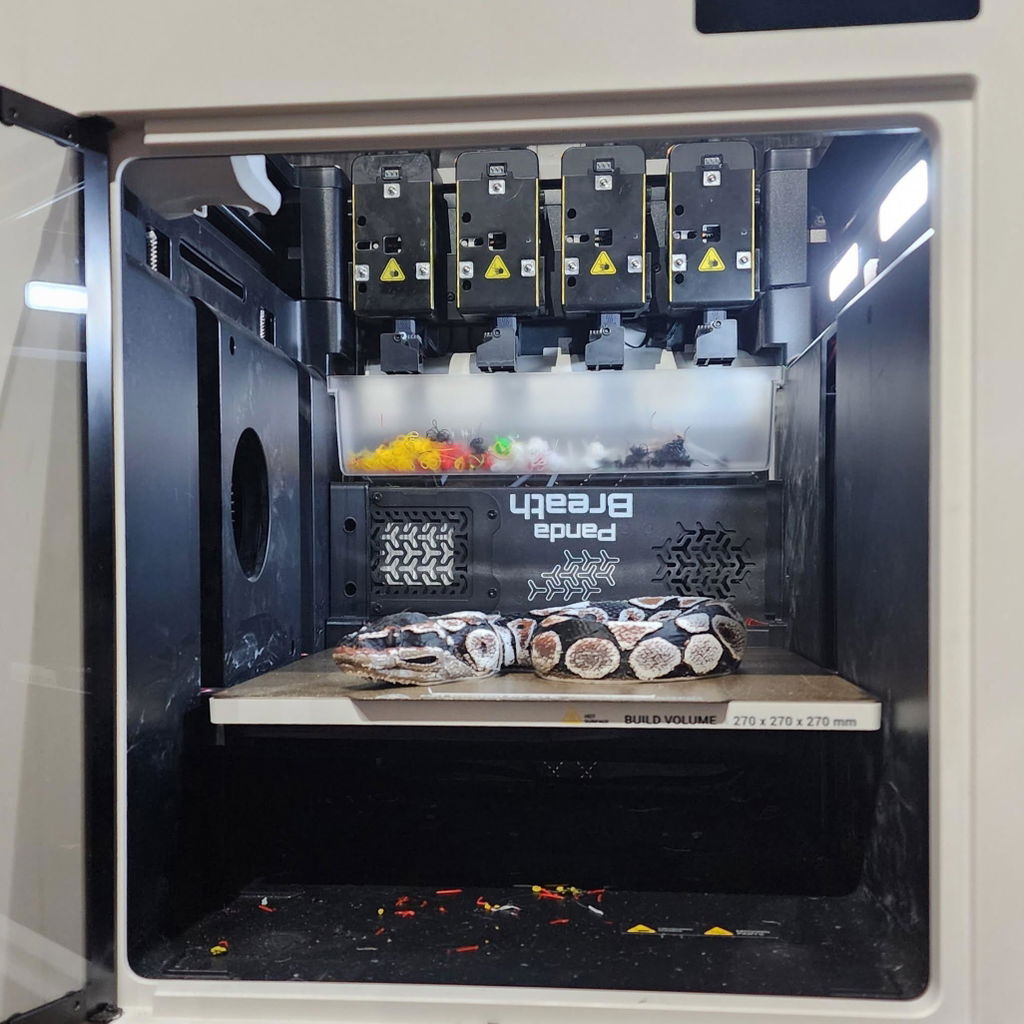
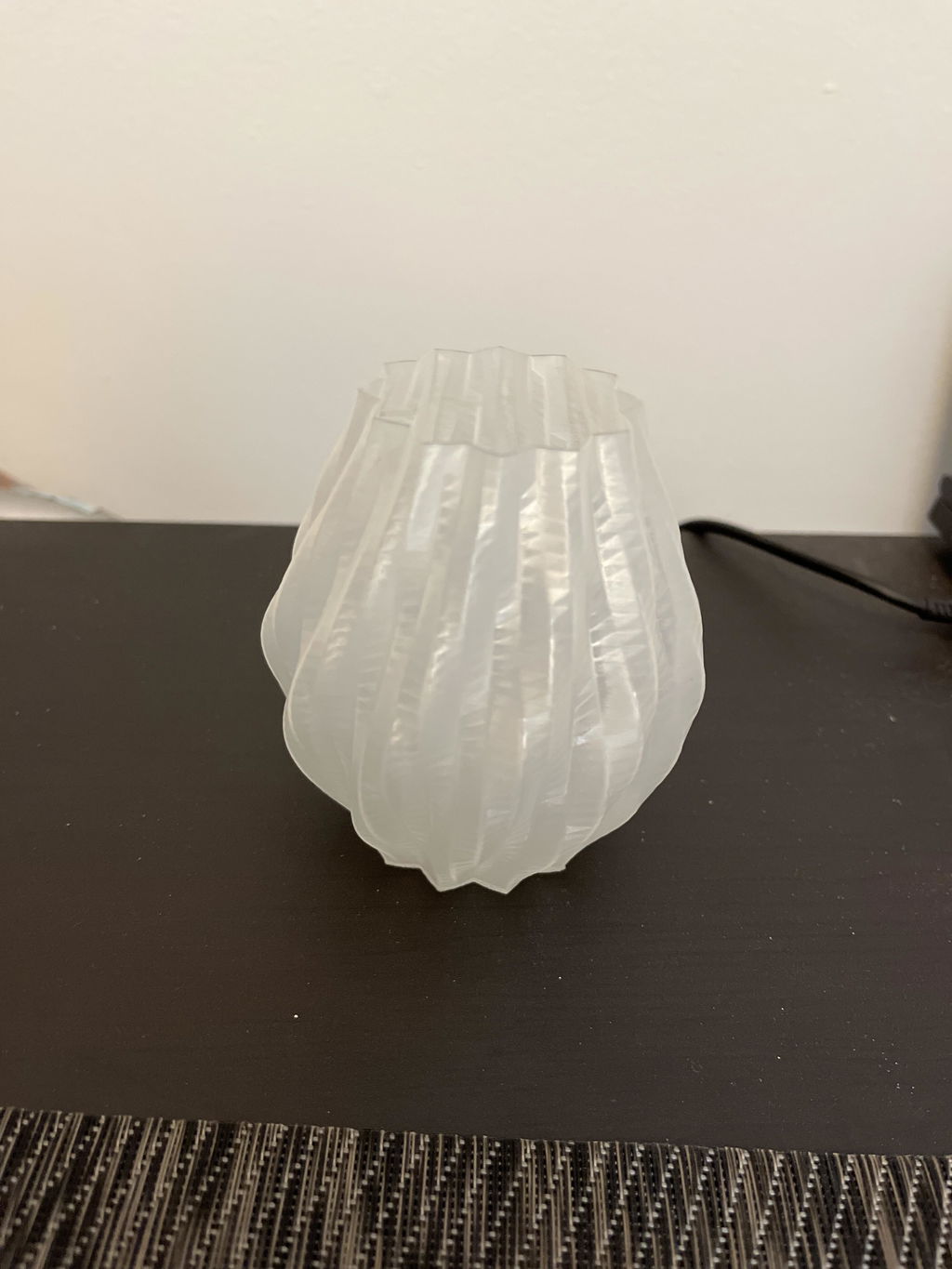
I think its great . I created a small vase as a test .
Mede it with one wall loop and it turned out great
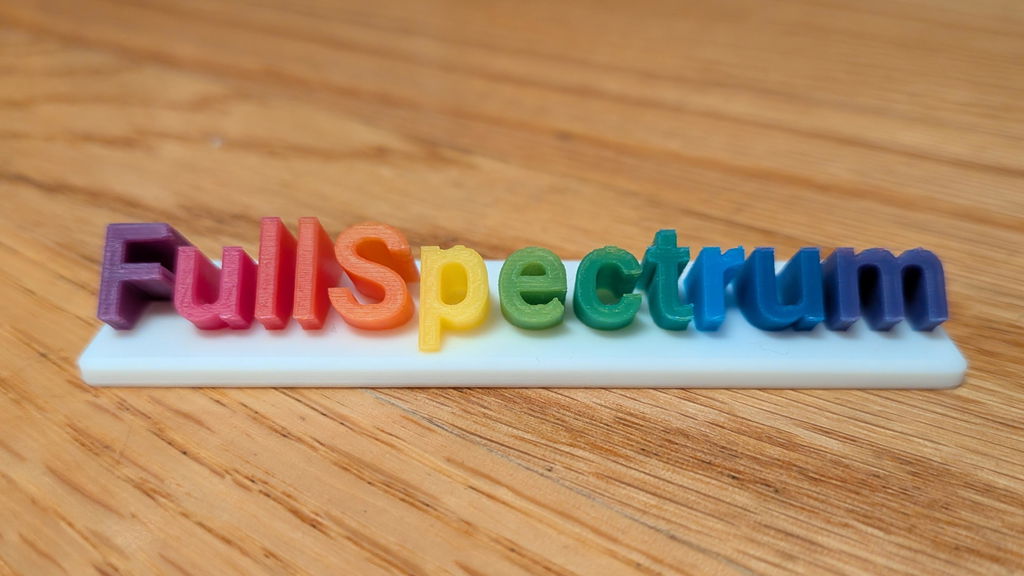
This Translucent PLA is the best filament I have found for blending in Full Spectrum Snapmaker Orca.
This translucent gray is really handy for anything involving color blending. I have been using it to great effect with the new Full Spectrum fork of snapmaker orca; see for example my PeggyPalette model on makerworld. Also great for HueForge stuff and similar. Key part of anybody's color blending kit.
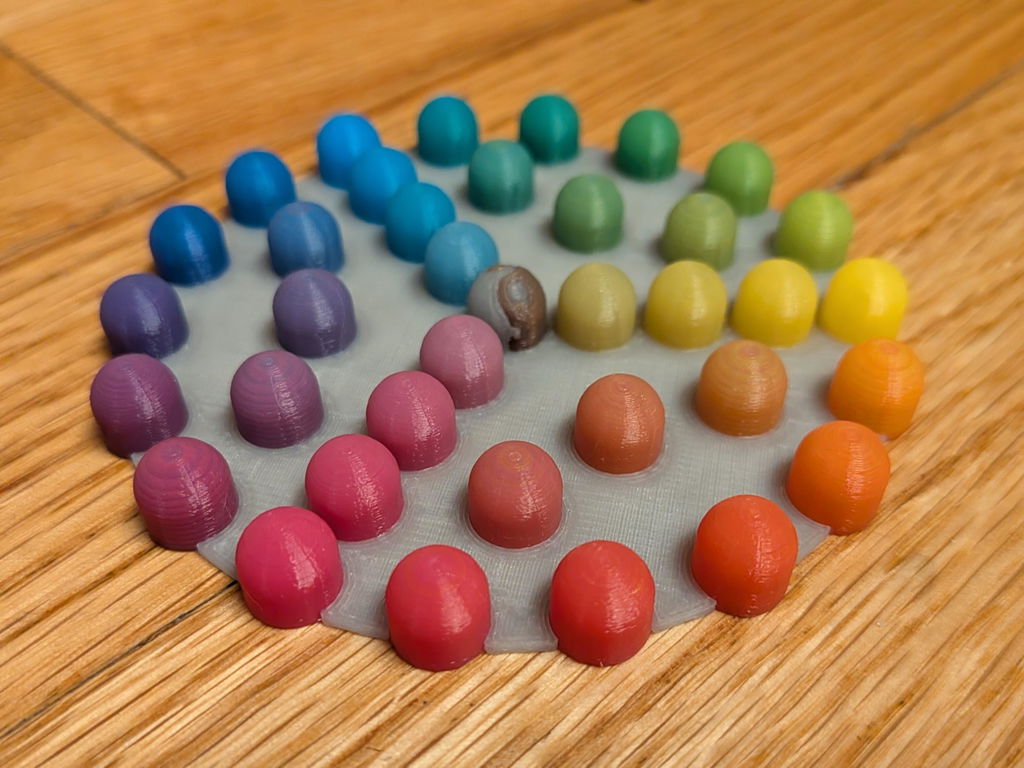
Easy ordering and quick shipment. Packaging is excellent. Material is very good.
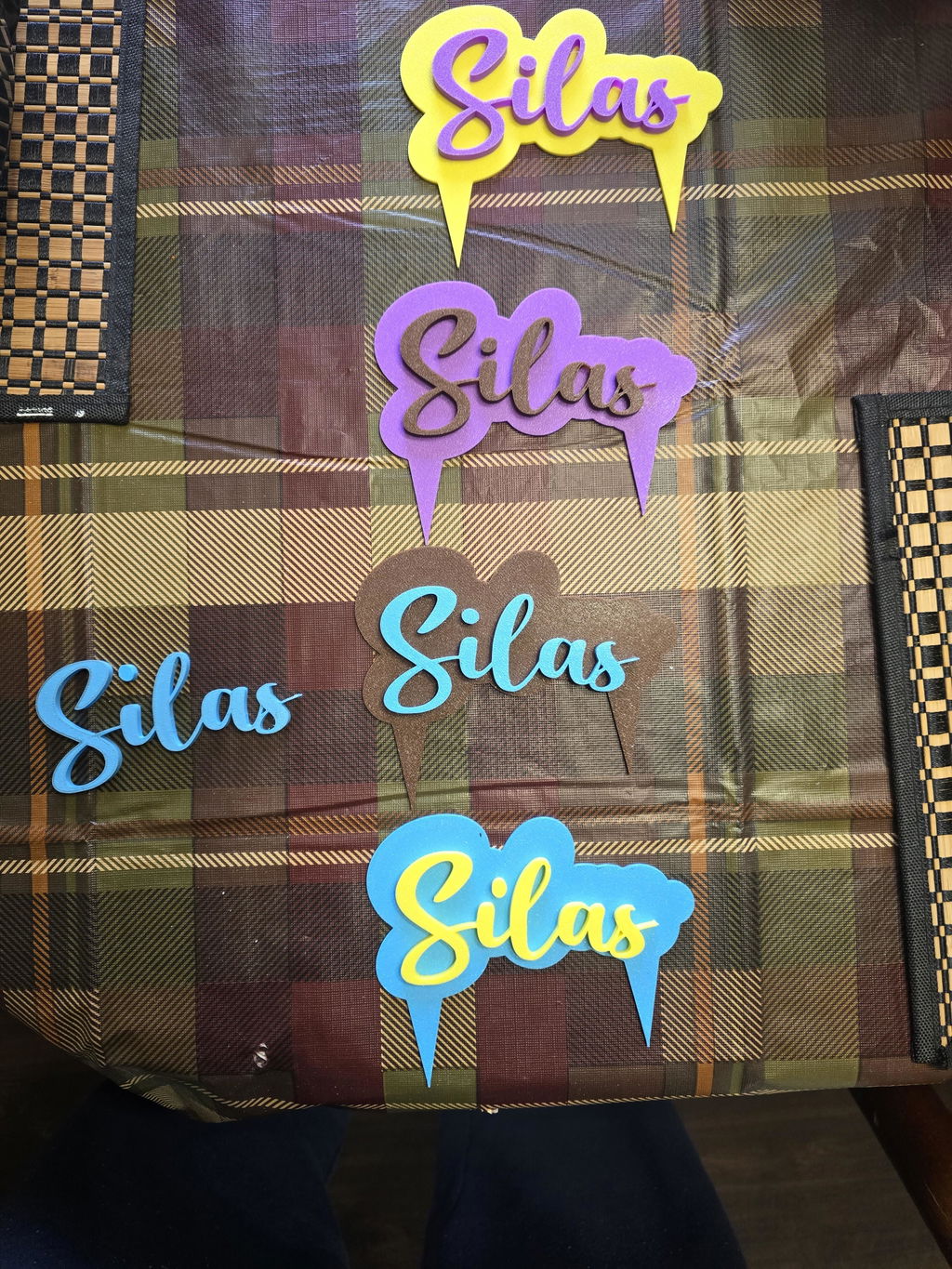
My first Polymaker order and it did not disappoint. High quality filament with a good consistent color. Stop reading this and go buy it.
I bought Polymaker Translucent Grey specifically for HueForge, and it worked very well. I used it in a grayscale portrait of my daughter and son-in-law, where I wanted something between the darker greys and white without simply adding another solid grey.
The translucency worked exactly as I hoped. Instead of completely covering the colors underneath, it allowed the darker layers to influence the final shade and helped produce smoother transitions and more depth in the image. That made a noticeable difference in the faces and clothing.
The filament printed cleanly with no problems, and the finished HueForge print came out very well. For a normal print, translucent grey may be a fairly specialized color, but for HueForge it gives you possibilities that an opaque grey cannot.
I would definitely keep a spool of this in my HueForge filament collection.
It was a great recommendation
Print quality is top notch.
Excellent quality filament.
Love the vibrant color. This stuff is my new favorite filament.
works very good stuck good on all build plates.
