


5-10 days
Payments
Description
Description
PolyMax™ PC: High-Strength, High-Heat Engineering Filament
Engineered for Superior Performance
PolyMax™ PC is a polycarbonate filament designed to deliver outstanding strength, toughness, and heat resistance. Its advanced formulation ensures high-quality prints suitable for demanding engineering applications.
Exceptional Strength and Heat Resistance
This filament is ideal for projects where both mechanical strength and high thermal stability are essential. PolyMax™ PC withstands challenging environments, making it perfect for functional prototypes, tooling, and end-use parts.
Optimal Printing with Enclosed Printers
For the best results, use an enclosed 3D printer capable of maintaining high ambient temperatures - especially important for large or dense prints. This helps minimize warping and delamination to ensures consistent, professional-quality results.
Perfect for Advanced Engineering Applications
Choose PolyMax™ PC when your project demands the highest levels of strength, toughness, and heat resistance - making it the go-to solution for serious engineering challenges.
Please refer to the printing requirements before purchasing.
Printing Requirements
LayerHub is now live. A community-built home for filament presets — open to every filament brand, every printer. Every preset comes with a real print photo to prove it.
Print Settings
Print Settings
PolyMax™ PC
PolyMax™ PC - Black / 2.85mm / 0.75kg is backordered and will ship as soon as it is back in stock.

Technical Specifications
Everything you need before you hit print
| Property | X-Y | Z | Value | Method |
|---|---|---|---|---|
| Density | — | — | 1.19 g/cm³ Important | ISO 1183 |
| Tensile strength | 53.44 MPa Important | 41.43 MPa Important | — | ISO 527 |
| Elongation at break | 4.53 % Important | 2.79 % Important | — | ISO 527 |
| Bending strength | 81.29 MPa Important | — | — | ISO 178 |
| Bending modulus | 2050 GPa Important | — | — | ISO 178 |
| Young's modulus | 2435 GPa Important | 2149 GPa Important | — | ISO 527 |
| Charpy, notched | 21.28 KJ/m² Important | — | — | ISO 179 |
| Glass transition temperature (Tg) | — | — | 113 °C Important | ISO 11357 |
| Vicat softening temperature | — | — | 116.9 °C Important | ISO 306 |
| HDT (0.45 MPa) | — | — | 114 °C Important | ISO 75 |
| HDT (1.8 MPa) | — | — | 99 °C Important | ISO 75 |
Tested on 100% infill specimens. X-Y = across the layers, Z = between the layers (layer adhesion).
Frequently Asked Questions
Got questions? We've got answers. From choosing the right material to caring for your spools, here's everything you need to know in one spot.
Does PolyMax™ PC need to be annealed?
Will the spools work in an AMS?
Does PC absorbs moisture?
Why are my parts cracking along layer lines?
Reviews
Customers praised this PC filament for exceptional strength and heat resistance, ideal for functional parts. "Prints surprisingly easily" with proper setup including enclosure and high temps (260-270°C nozzle, 100-110°C bed). Reviewers noted excellent layer adhesion and packaging. Some experienced warping on larger prints and bridging challenges, requiring calibration.
I had never printed with PCbefore as I'd heard it could be tricky, but this stuff printed extremely well and quite easily on my Prusa XL with the enclosure.
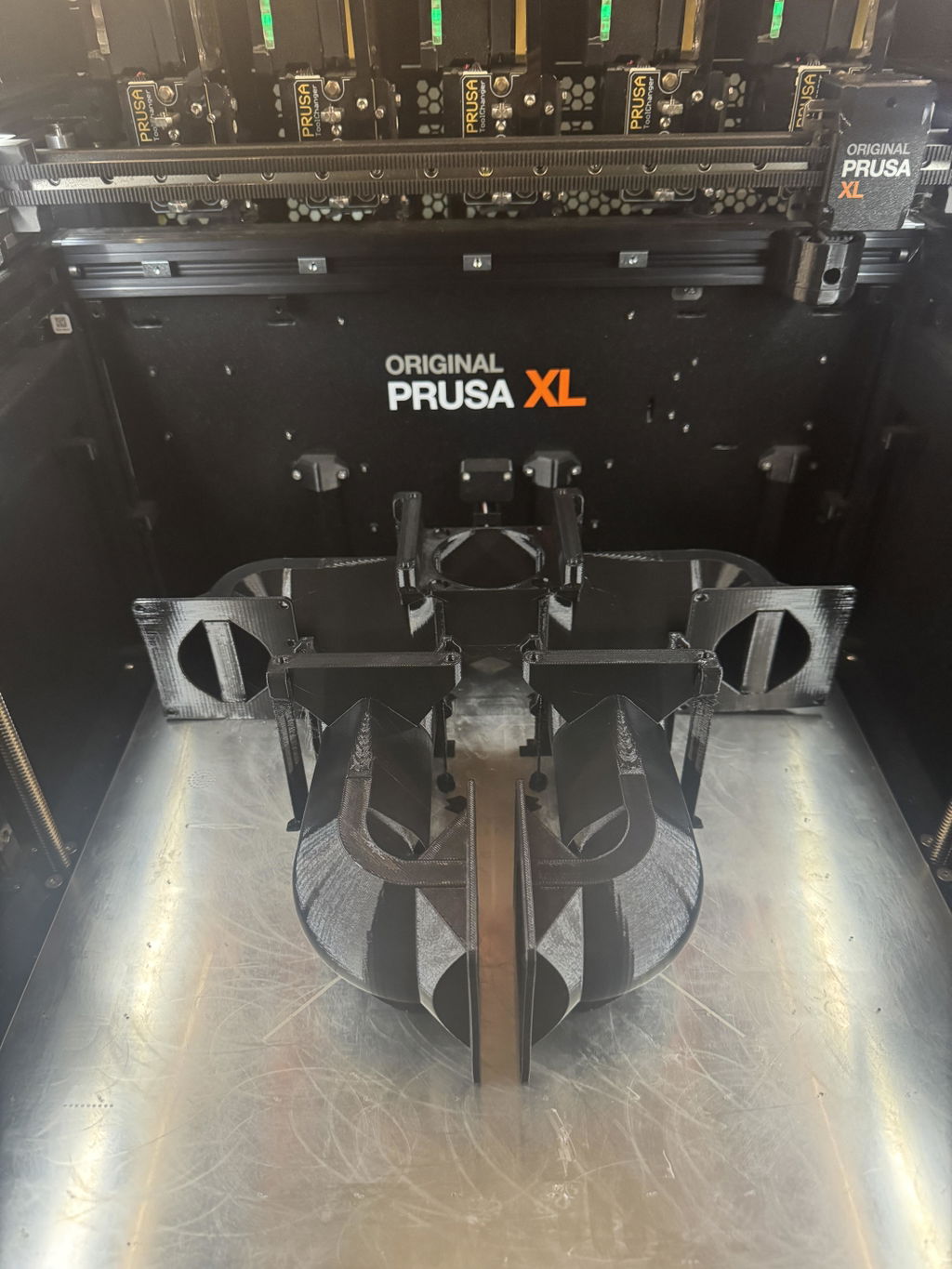
It's especially nice for printing hotend cooling ducts because in general it doesn't require cooling!Parts come out strong and printing is easy as long as you have a bed and hotend that can get hot enough and a print chamber. I've used a brim on larger parts >2" to prevent warping.
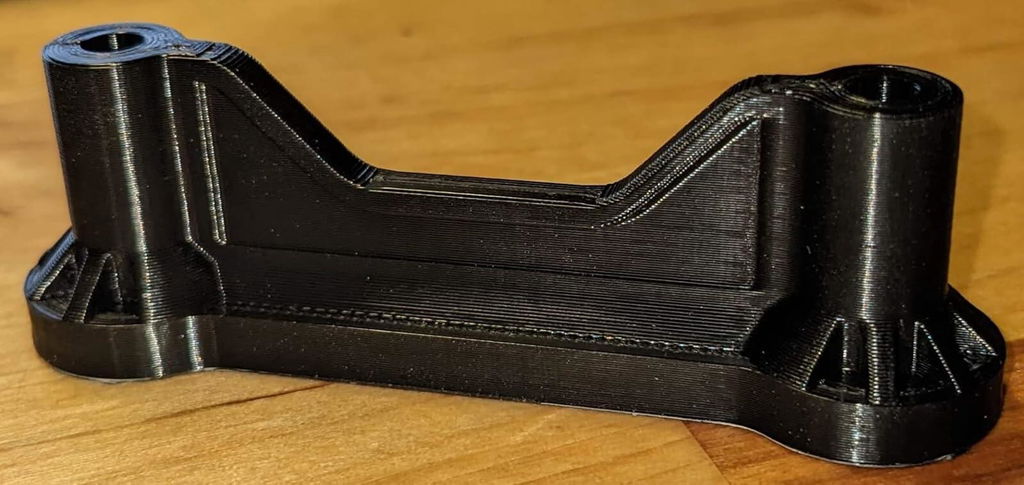
In a heated chamber it prints very nicely with little to no warping. The filament prints absolutely beautifully with virtually no layer lines. The parts are extremely stiff.My only qualm with the filament is that it's advertised as Polycarbonate but has glass transition temp of 113c. Pure Polycarbonate has a glass transition temp of 147c, so it's obviously blended with another material (maybe a PLA given the stiffness?). If you don't need the higher temp resistance of PC, the ease of printing and beautiful finish are not a bad tradeoff.The settings that work best for me are: 270 on the nozzle; 95 on the bed; 95 in the chamber.
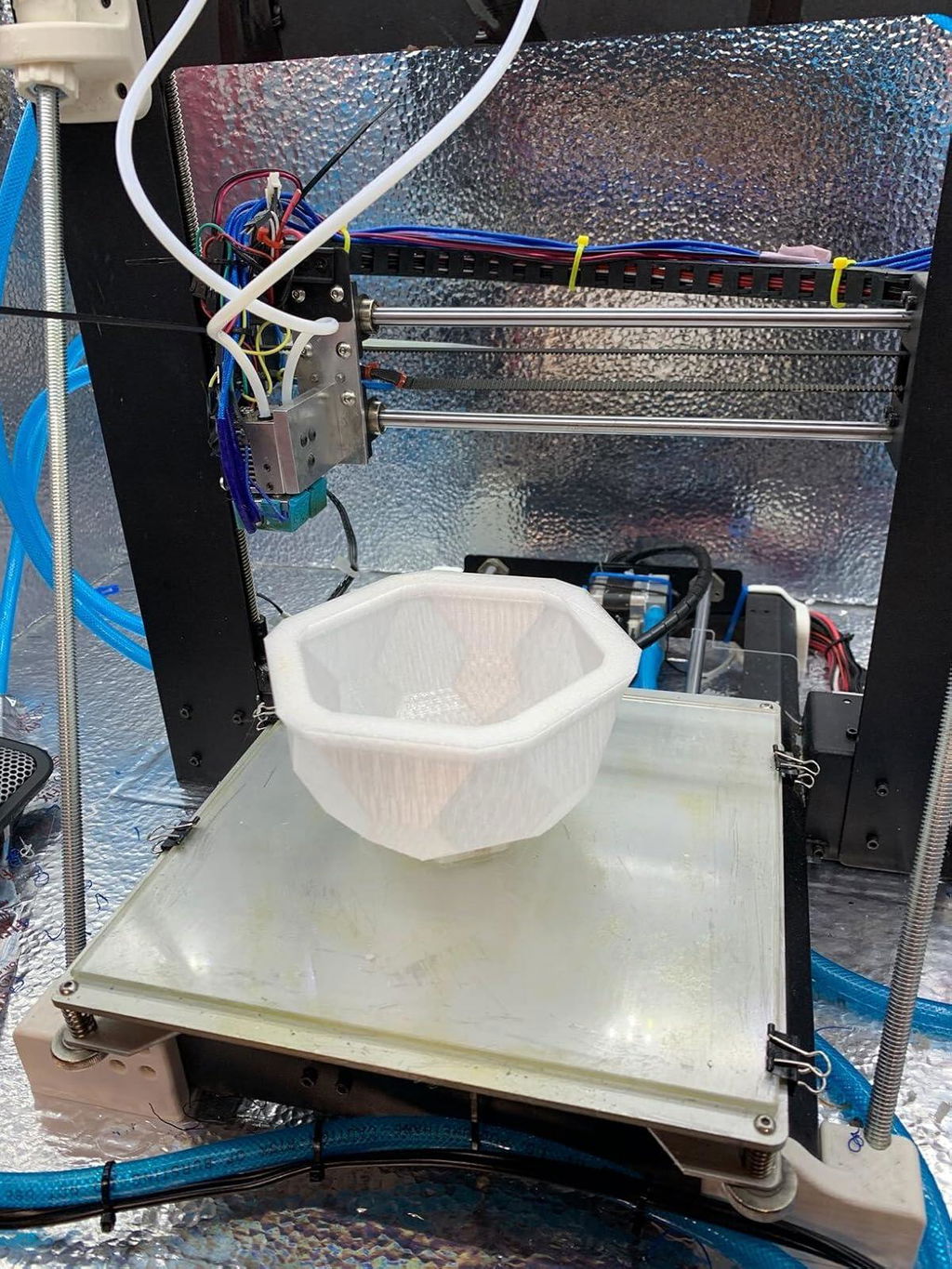
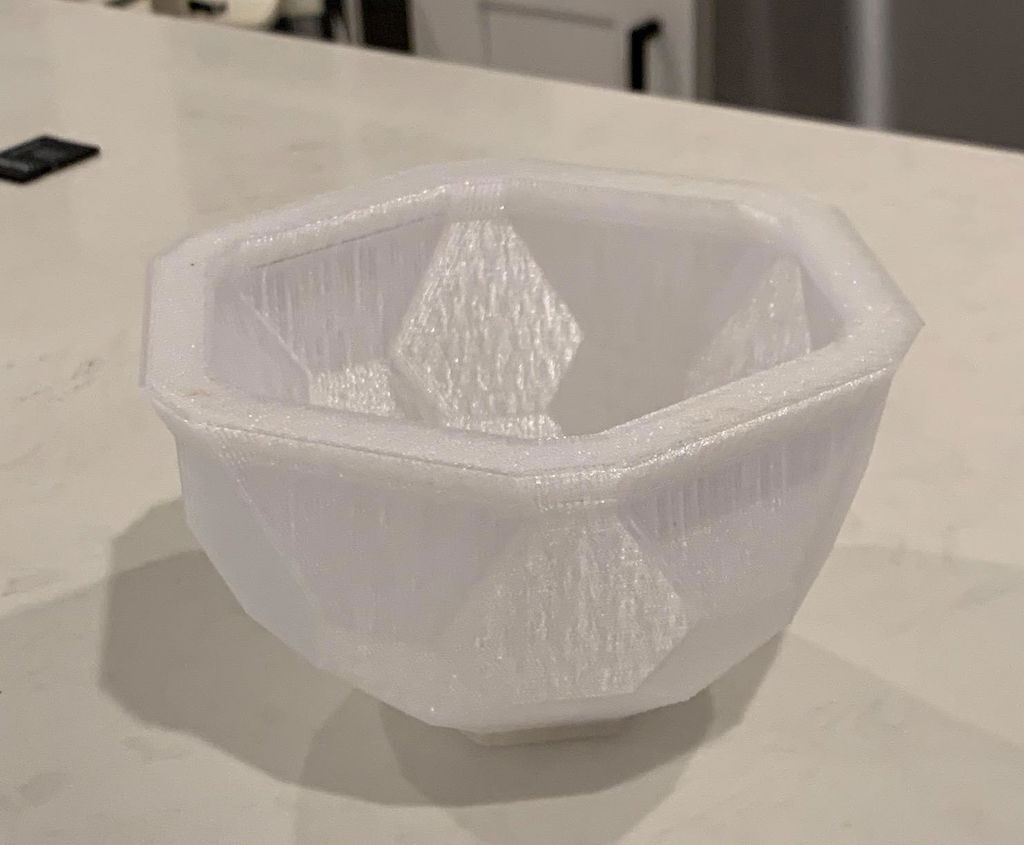
This is a composite PC so you give up some strength and heat resistance for better printability. Polymaker really nailed the perfect balance on this one! You don't need brim, draft, buildtak bed, heated chamber or even a full enclosure to get perfect print. I have no issue printing this on my cheap Ender 3 with smooth glass bed and a makeshift cardboard covering.Here is how to I print PC Max on a my machine.1. Calibrated temperature, estep and extrusion percentage for this filament first.2. In Cura, set the first layer height and width to 150% of the normal value. If you are printing 0.2 layer height and on 0.4 nozzle, the first layer is 0.3 high and 0.6 width in setting. On a smooth glass bed, you want over extrude on the first layer as much as you can, really squeeze the material against the bed and itself.3. Level your bed. Since my cheap Ender 3 doesn't have auto bed leveling. I use a filler gauge manually level the bed. My value for PC is 0.8mm. Just for reference, I use 1.3mm for PETG. If you don't do #2 and #3 correctly, you may experience bed adhesion problem or warping.4. Set fan to off. Without heated chamber, you rely on the heatbed to maintain temperature around the print to slow the cooling. Part cooling fan can disturb the hot air coming from bed and result in uneven cooling. Some will say fan off deteriorate print quality. This is not true if you dried the filament and properly calibrated the temperature. For black color PCMax, I use 260c / 105c glass bed when room temperature is 25c. The actual bed temperature is probably much lower than 105c since it is glass bed. On parts with long overhang, I use 15% fan.5. Print slow, 40mm/s is what I use for 260c on my machine. You may need to increase nozzle temperature to compensate higher print speed. But I found 260c offers good quality and strength.6. No need for full enclosure. I cover my machine 70%. Just enough to prevent air draft and retain some of the hot air from heat bed. You really don't need the inside to be too hot. The inside of my partial enclosure is no more than 10c hotter than outside.7. Preheat the enclosed printer. Wait 5 minutes after the printer reached the proper temperature before starting printing.8. Wait till the print bed has cooled to room temperature before removing the covering.
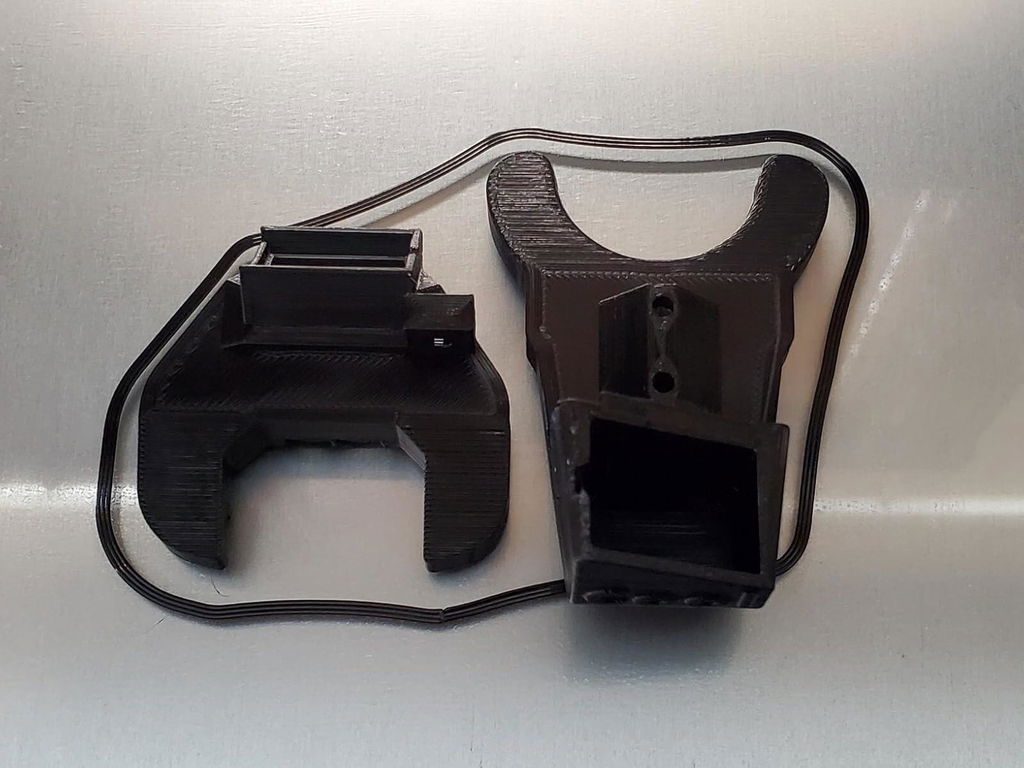
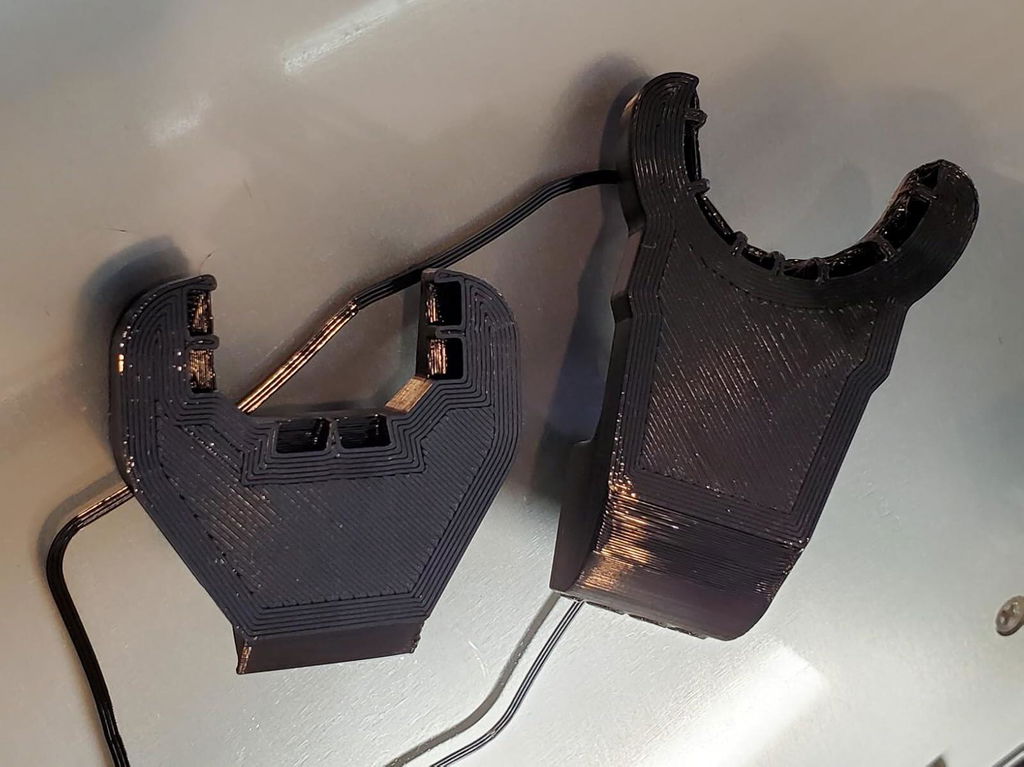
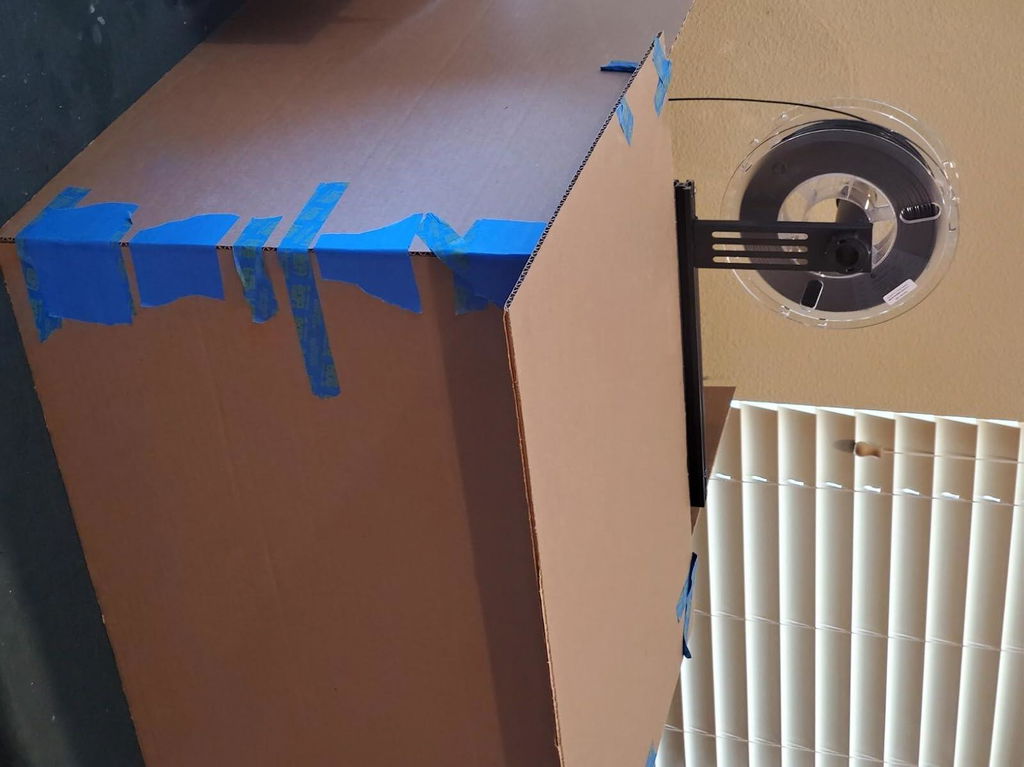
I am very impressed with how strong this filament is. It is more expensive than most filaments but it is well worth the price if you need your print to be strong. I will surely be buying another roll when I'm done with this one.
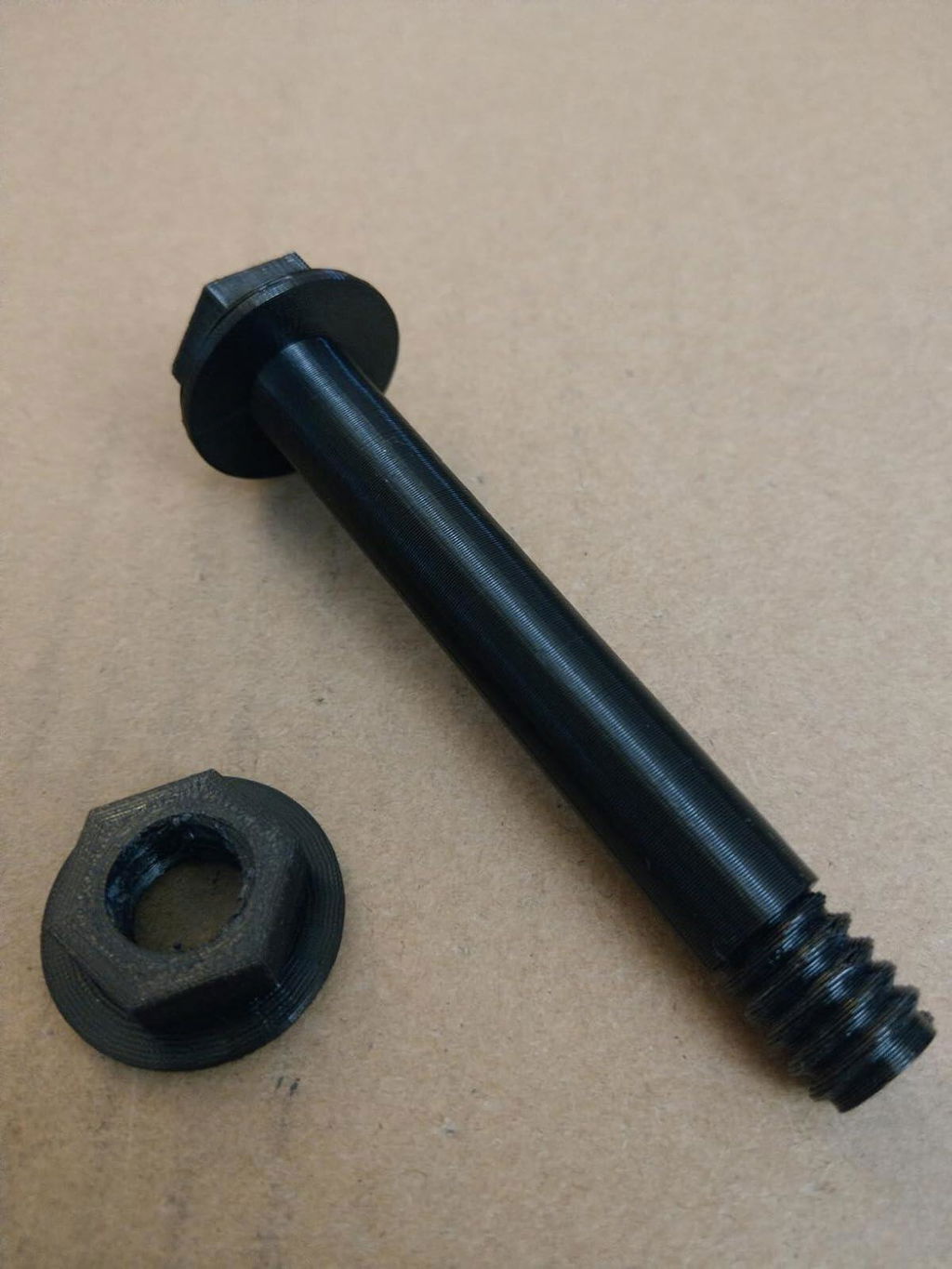
Let me start out by saying this filament is AMAZING! Ive seen a lot of mixed reviews of this filament and it seems that many of the bad reviews are due to a few different factors. First, you really NEED to have a good enclosure. Keeping the temperature around the build plate at a constant level is key to preventing warping of your prints. Second, you need to make sure the filament is DRY. I was concerned with just taking this filament out of the vacuum sealed packaging and jumping right into printing, but it worked perfectly! Needless to say, Polymaker does a terrific job ensuring their product gets to you dry. The final big factor you need to deal with is calibrating your printer. If you have issues printing PLA or PETG, then you need to figure that out before getting into filaments such as PC.I am printing with a Prusa i3 MK3 which has been heavily modified with a Bear frame conversion, Skelestruder (by JLTX on Thingiverse), and numerous other improvements to other printed parts. The temp I used to print with this filament was 260C for the nozzle and 80C for the print bed. Also, Polymaker says its mandatory to use BuildTak printing surface when printing with this filament. I know a number of other people who have used other surfaces and their experience with PC-Max has been less than perfect. All I can say is that using BuildTak allows this filament to stick very well without being impossible to release. I like the BuildTak, but its not my favorite for PLA or PETG. For that I use BuildTak's PEI sheets.Polymaker states you should always use rafts for your prints, but I didnt use it and my prints have turned out amazing. I started using brims in the beginning to prevent warping but that proved unnecessary in my case. I can't recommend this filament enough! If you need to print parts in PC, then this is an ABSOLUTE MUST in my opinion!
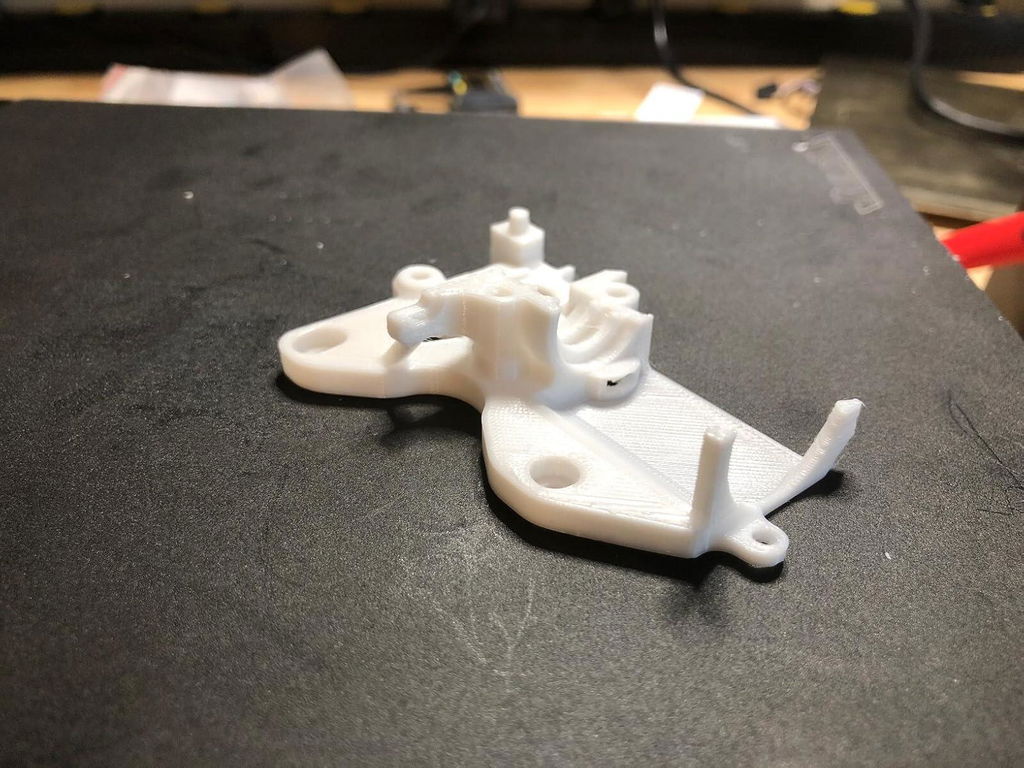
The print is excellent, very nice red color tone! A bit more matte than other brands which is great.
We need a military green color for PC! Please make it happen. Like the army soldier PLA terra color tone. If you can make it all more matte without affecting the impact resistant would be awesome.
Great filament. Prints surprisingly easily in my X2D at 65C enclosure temps. Big shout out to Sean in support for helping me choose the right filament!
Love the way the filament came shipped with an resealable bag.
It works really well, for my next project I will buy it again.
order came fast, exactly what I wanted and is packaged in top of the line vacuum sealed packaging making me feel confident storing it
Thank you very much!
Good high temp filament
Very sturdy, prints well
uniformly awesome
Had relatively good luck with this filament on a BambuLab X1C printer using generic profile with temps adjusted based on mfg's recommendation. Overhands were a bit of an issue but adjusting fan speeds during overhang print operations helped.
bought this to make functional parts (which polymaker stuff is really good for) that I can actually use outside in the summer, but didn't want to spend $60 a roll on fiber reinforced nylon, and also wanted something not quite as susceptible to moisture and humidity as nylon as I live in a very humid area. Smaller parts worked great and looked cool being transparent to translucent (depending on infil and design) like ice. However on larger parts I experienced warping. I am using in a X1C so it is fully enclosed and heated. I tried playing with my settings and print orientation but ran out before I got it dialed in. I was able to make some apparently functional prints. 1.25"x 8" footprint worked and is apparently the tipping point as the same model slightly enlarged to 1.35 x 8.1 warped regardless of what I tried. It was however MUCH easier and less stringy and warpy than "easy nylon". This was my first attempt at PC, so probably something that could be easily dialed in, but will likely take more than one roll to do so.
I tried other brands and I thought I was going insane trying to get it to work this one is supper durable and easy to work with yes it's a little more expensive but it's way better than trying to get another type to work out
Polymaker has a winner with this one... Once the printer is tuned properly for printing PC at high temperatures, this filament does wonders. It prints really well with the manufacturer-recommended settings, with no stringing and other issues. It does require a proper printing surface rated for high temperatures, like a PEI-coated steel bed, or a glass bed.
Polymaker is often more expensive than the cheapest brands, but I've never had a problem printing with it. Highly recommended!
Okay, heard all the stories about PC not printing easily, but I didn't have any issues. At least none I didn't cause myself.Definitely do research on the settings and do some temp and flow testing before you start a real print. I found a good setting right away and printed some very, very, sturdy items.
i have closed and hardened nozzle printer with direct drivelayer height: 0.2retraction: 0.3 40mm/stemperature 260 and 110glass bed no adhesive brim onender 5 plusresult amazing
This is the one boys, the dream filament, the one and only, the end all, BE ALL, PRINT ALLL!!!!! The PC filament that you can get away with printing in just about any configuration with little to no major upgrading needed. HAHHAHAHHA PLA??? WEAKKKK!!! AND MELTY!!! ABS??? Who has a compression chamber that can be super heated to 40000 degrees while balancing a torch on your head?? Just to print a unwarped box? PSHHHH!!! Our savior arivesssss!! TOUGH PC or even regular PC or if you want to go hulk status, FLAME RETARDANT TOUGH PC!!! With such ease of print, it's almost unbelievable how EXTREMELY-high grade the characteristics are! Some of the highest impact resistance, heat resistance, rigidity and shear strength you can find in a printable filament out there make this EASILY, my MAIN printing preference. Especially for INDUSTRIAL/PROFESSIONAL grade work where consistency matters and is what seperates "the boys from the men".
I've printed a variety of RC car replacement parts, including custom spur gears/center diff caps for a Tekno SCT that I clocked at 80MPH. Very strong parts, although sometimes I had layer adhesion problems if I printed too quickly. I slowed it all the way down to 30mm/s for a .25mm nozzle on my Prusa MK3S for printing small gears, and the output was always great.
Prints best at higher temp of 270. Nice quality at 35-38 mm/sec with .13 mm layer height. Carbon Fiber Build plate with an alcohol clean then Nano Glue applied cold using a Bed temp of 105 worked nice.
Bonjour,
Je souhaite savoir si la bobine Polymax PC de 0.75kg est compatible avec l'imprimante 3D QIDI max4 combo ?
Merc
Oui, ça devrait ! Nous suggérons d'utiliser le chauffage actif de la chambre. Si votre pièce est très grande et très dense, vous devrez imprimer lentement.
