


5–10 days
Payments
Description
Description
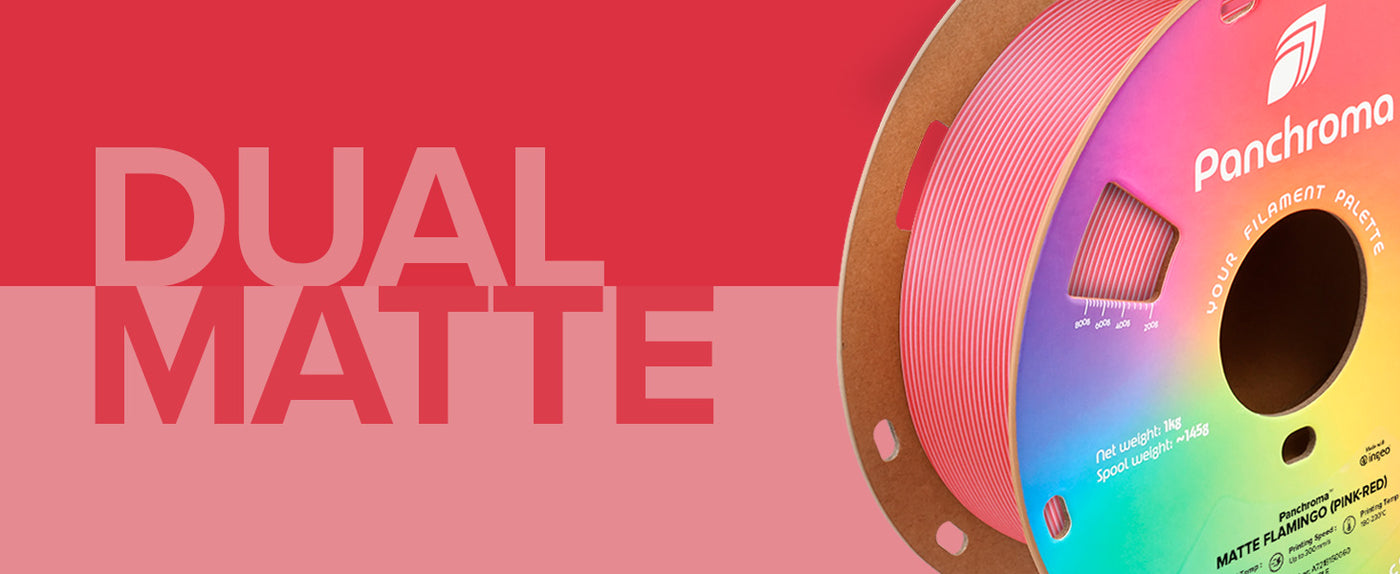
Panchroma™ Dual Matte PLA: Dynamic Dual-Color Matte Finish with Next-Generation PLA
Striking Dual-Tone Matte Effect
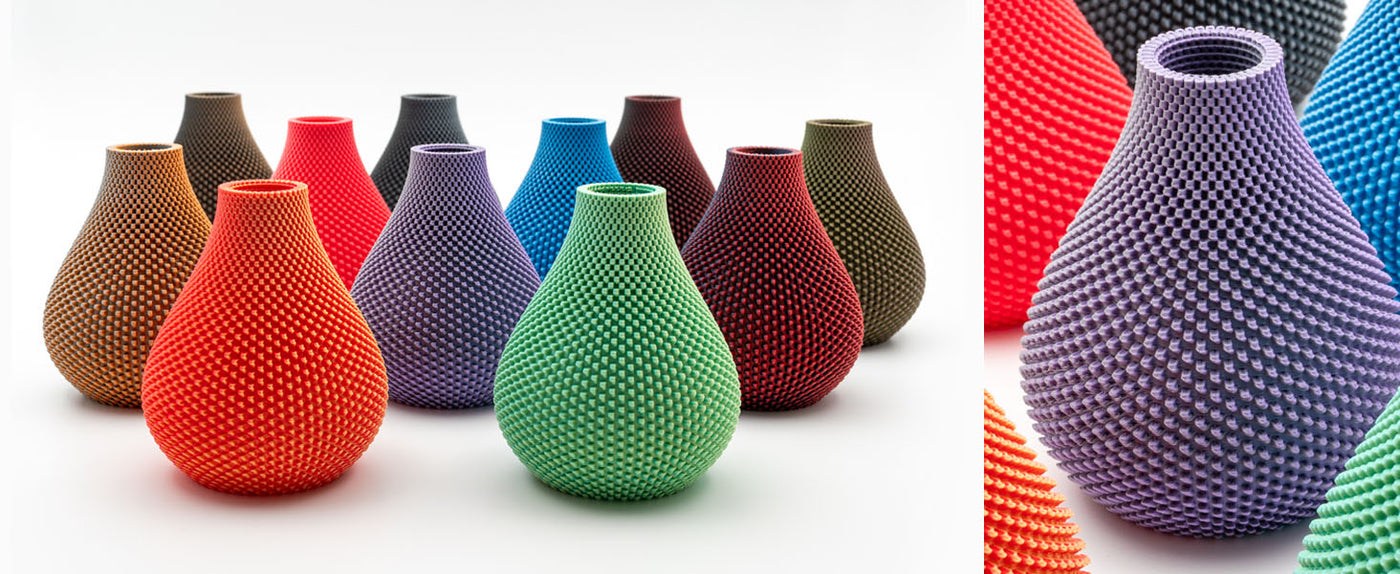
Panchroma™ Dual Matte PLA is a bioplastic-based 3D printing filament engineered to deliver vibrant, two-tone color transitions with a smooth, velvety matte finish. Each spool combines two contrasting colors, creating prints with dynamic depth, shadow play, and a unique visual impact that stands out from single-color filaments.
Next-Generation PLA for Reliability and Speed
Designed from the ground up, Panchroma™ Dual Matte PLA offers exceptional ease of use, excellent print quality, and high-speed capability up to 300 mm/s - without sacrificing detail or adhesion. The filament is formulated to minimize stringing and warping, ensuring reliable results for both beginners and experienced makers.
Conceals Layer Lines for a Professional Look
The matte surface not only enhances appearance but also helps conceal layer lines, resulting in smoother, more professional-looking prints.
Rebranded for Clarity
Formerly known as PolyTerra™ Dual PLA, this filament offers the same trusted material and performance under the Panchroma™ name.
Choose Panchroma™ Dual Matte PLA for eye-catching, dual-color prints with a refined matte finish and the reliability of next-generation PLA.
A huge thank you to our Discord Awesome Squad members for helping choose the color combo and the naming:
Chewy2420
Fdavpach
Greath
Matt-3DPS
Nhchiu
Trofirelight
Zombiehedgehog
Bob92553
Formerly called PolyTerra™ Dual PLA
Looking for more matte colors in other surface effects?
Panchroma Marble Matte
Panchroma Gradient Matte
Printing Requirements
LayerHub is now live. A community-built home for filament presets — open to every filament brand, every printer. Every preset comes with a real print photo to prove it.
Print Settings
Print Settings
Panchroma™ Dual Matte PLA
Key Features
- Dual-Tone Matte Finish
- High-Speed Printing
- Easy to Print
- Hides Layer Lines
- Dual-Color Effect
Panchroma™ Dual Matte PLA - Dual Matte Shadow Black (White-Black) / New Packaging / 1kg is backordered and will ship as soon as it is back in stock.
You May Also Like
![Panchroma Matte PLA 1.75mm 3D printer filament | Polymaker - Matte Sky Blue]() From $17.99Unit price /Unavailable
From $17.99Unit price /Unavailable![Panchroma Gradient Matte PLA 1.75mm 3D printer filament | Polymaker - Gradient Matte Pastel Rainbow]() From $23.99Unit price /Unavailable
From $23.99Unit price /Unavailable



Technical Specifications
Everything you need before you hit print
Printing Tips
- Use standard PLA settings, a 0.4 mm or larger nozzle, and full cooling for the best surface quality.
- Reduce printing speed when the intended shine, sparkle, or dual-color effect looks muted at higher speed.
- Orient the model to make the dual-color effect visible; transition placement and which color faces outward depend on geometry and spool orientation.
- Use glue when needed on PC or textured PEI and allow the plate to cool before removal.
| Property | X-Y | Z | Value | Method |
|---|---|---|---|---|
| Density | — | — | 1.37 g/cm³ Important | ISO 1183 |
| Tensile strength | 23.2 MPa Important | 12.2 MPa Important | — | ISO 527 |
| Young's modulus | 1997 GPa Important | — | — | ISO 527 |
| Charpy, notched | 10 KJ/m² Important | — | — | ISO 179 |
| Vicat softening temperature | — | — | 62 °C Important | ISO 306 |
Tested on 100% infill specimens. X-Y = across the layers, Z = between the layers (layer adhesion).
Frequently Asked Questions
Got questions? We've got answers. From choosing the right material to caring for your spools, here's everything you need to know in one spot.
Is there a difference between Panchroma™ Dual Matte PLA and PolyTerra™ Dual PLA?
Is Panchroma™ Dual Matte PLA biodegradable?
Is this material food safe?
Is this material AMS compatible?
Do you sell refills?
Is this material recyclable?
What is Panchroma™?
Can I mix and match effects into a single HueForge print?
Reviews
Customers praised this dual-color matte PLA filament for its "unique visual appearance" and ease of use. The matte finish "hides layer lines incredibly well" and creates depth with shadows. Most found it prints reliably with standard PLA settings. Some noted occasional clogging, tangled spools, or required drying before use. A few felt certain color combinations were subtle or unappealing.
Dual Matte Glacier Blue filament makes your 3D prints look great. It changes between two cool blue colors in the light. The flat finish hides print lines so your models do not look shiny
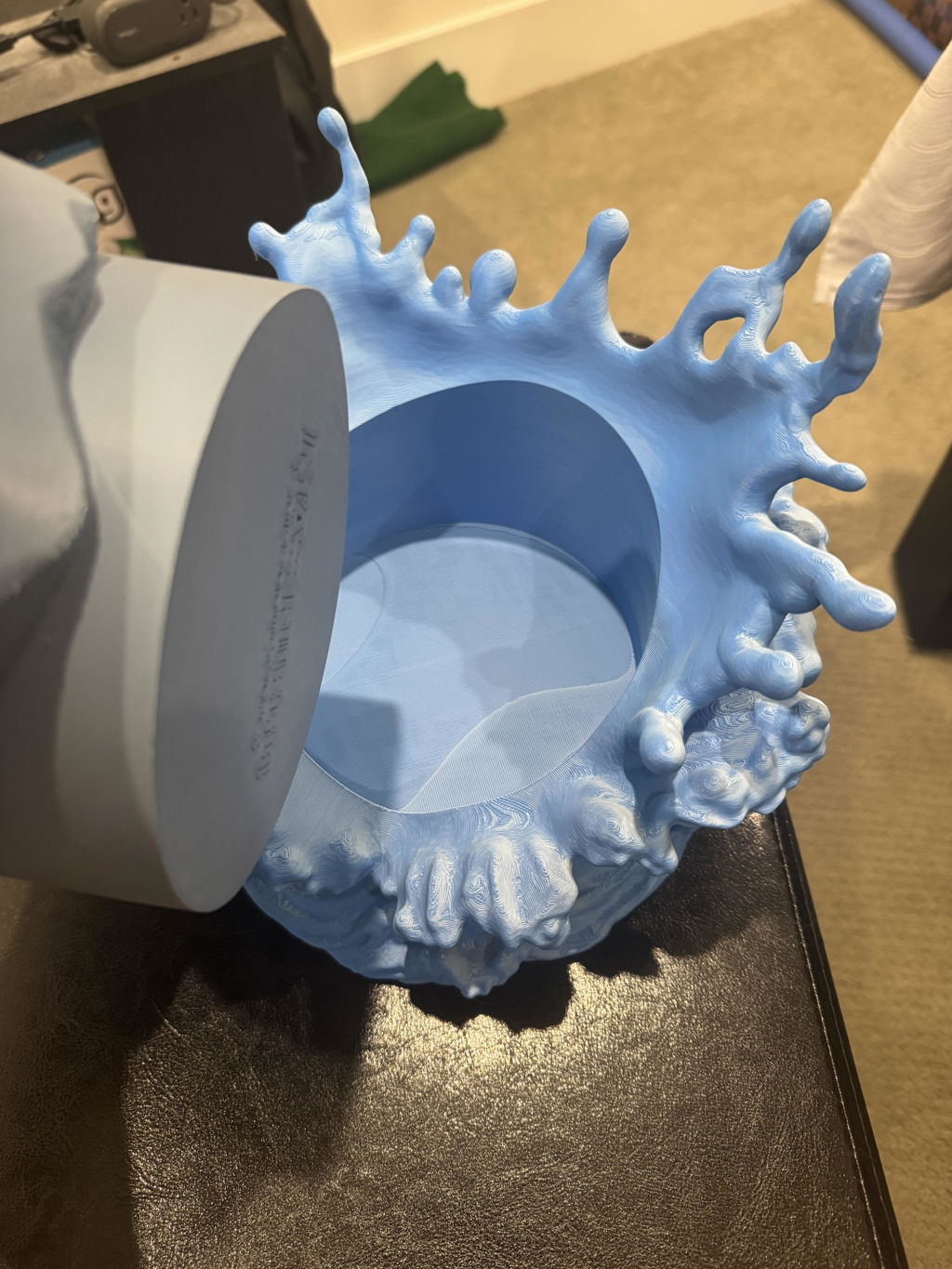
Prints really well and looks great too!
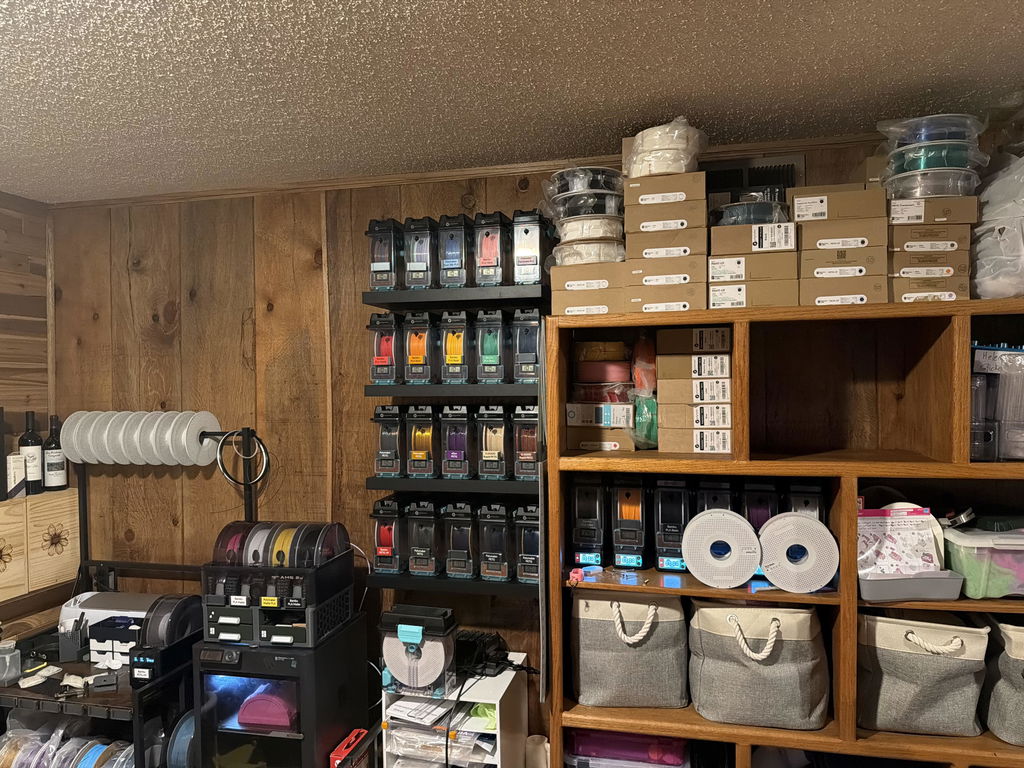
Have used polymaker many times. Never disappoints
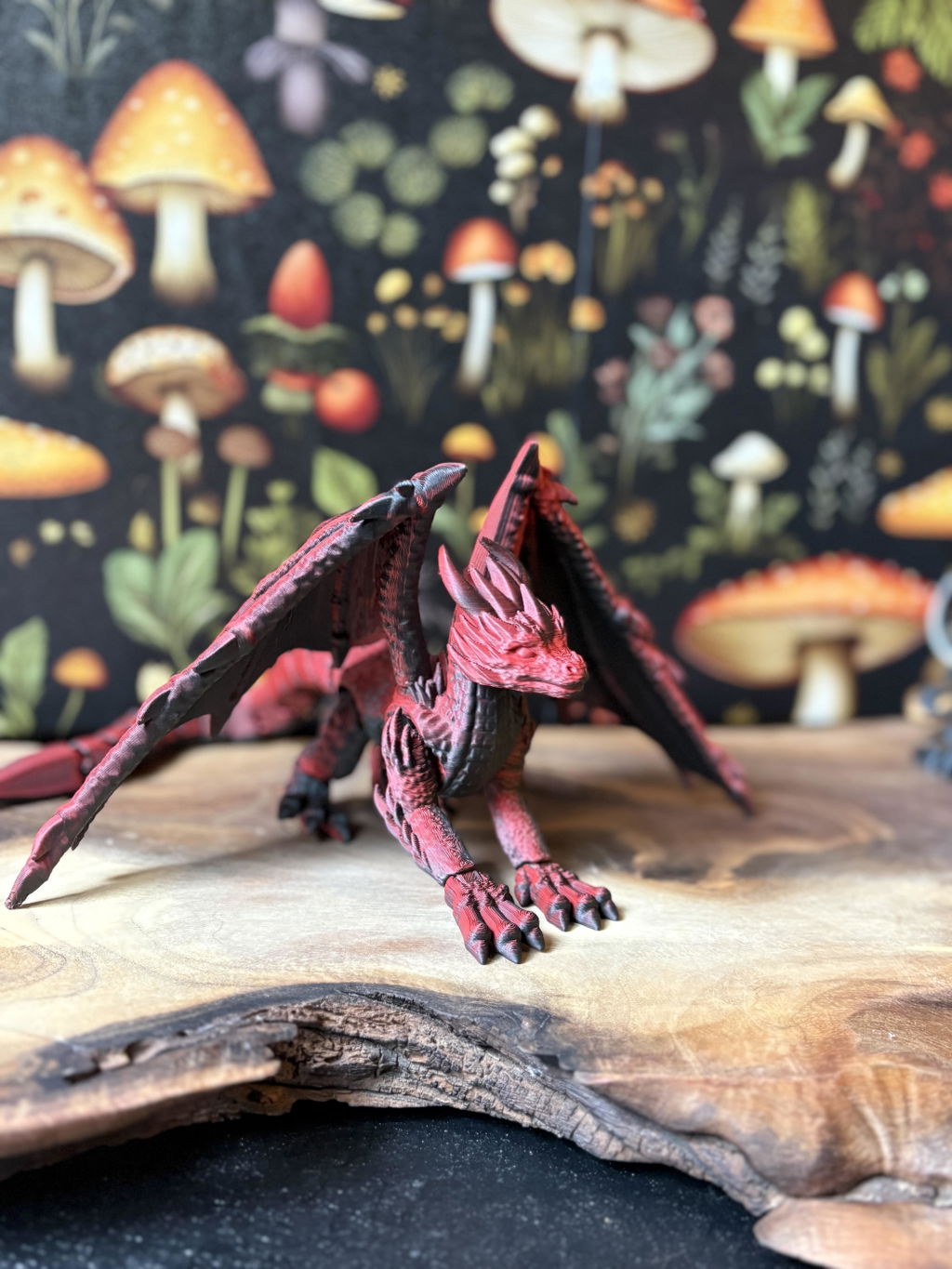
Color is great and it prints very smoothly. Shipping is quick and packed well. Will order again if I have a project that calls for dual color filament.
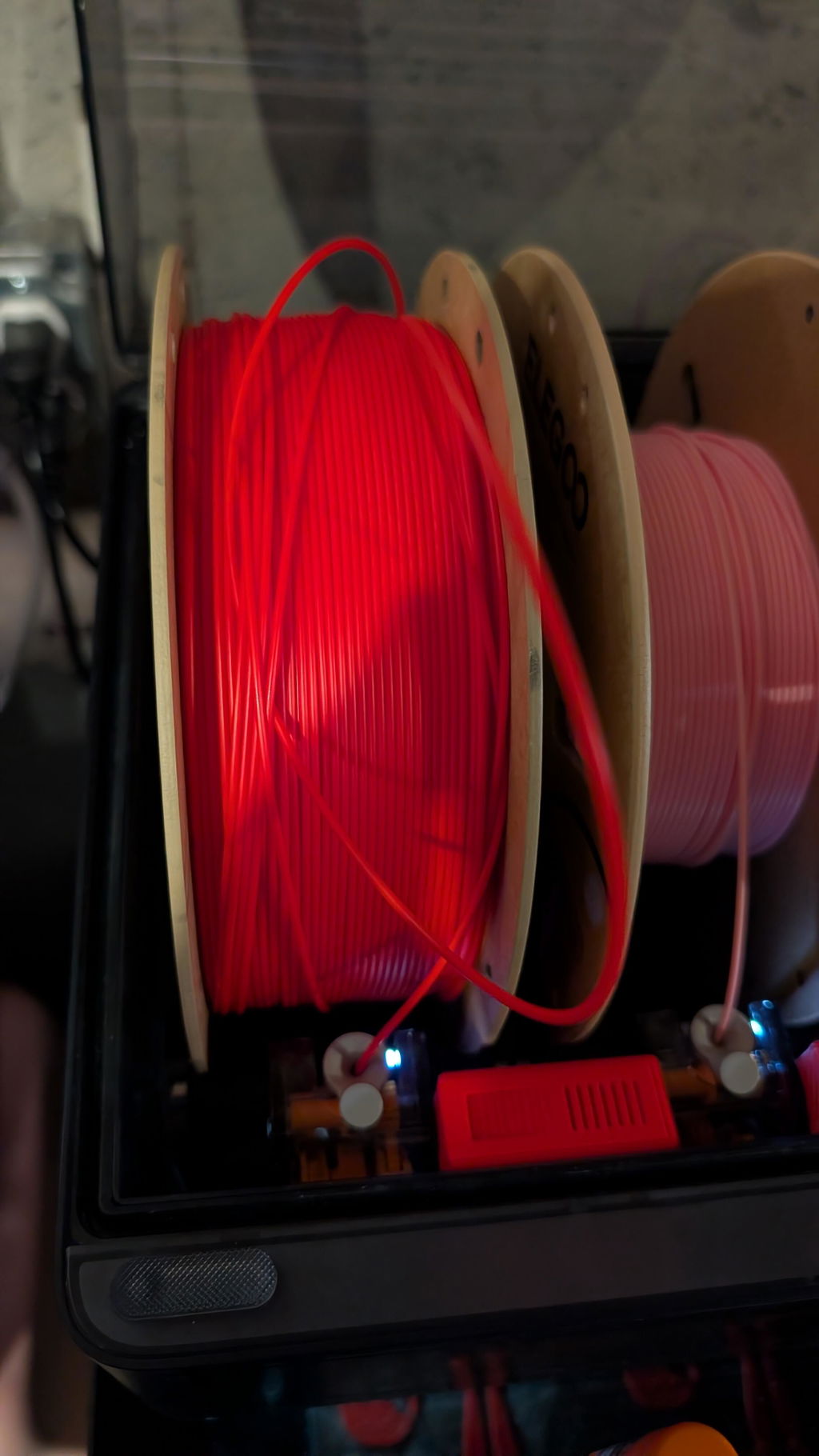
Polymaker filament has always been my favorite butover the last few months it seems there is a 50/50 shot of the roll being a tangled mess and a horrible time getting through
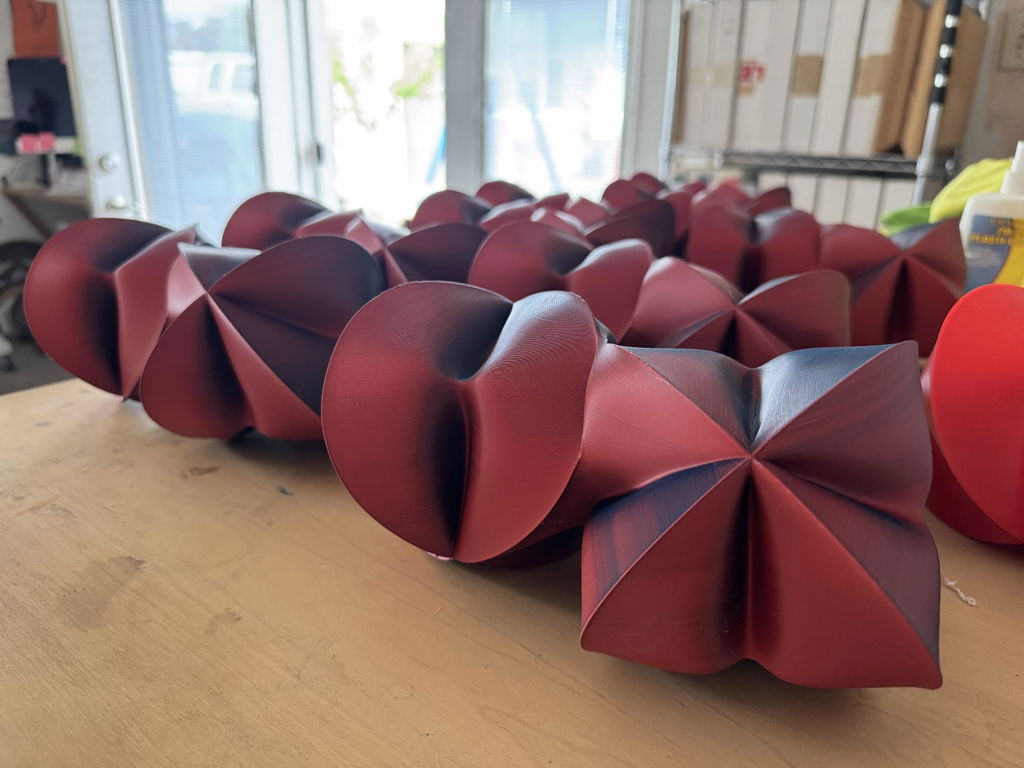
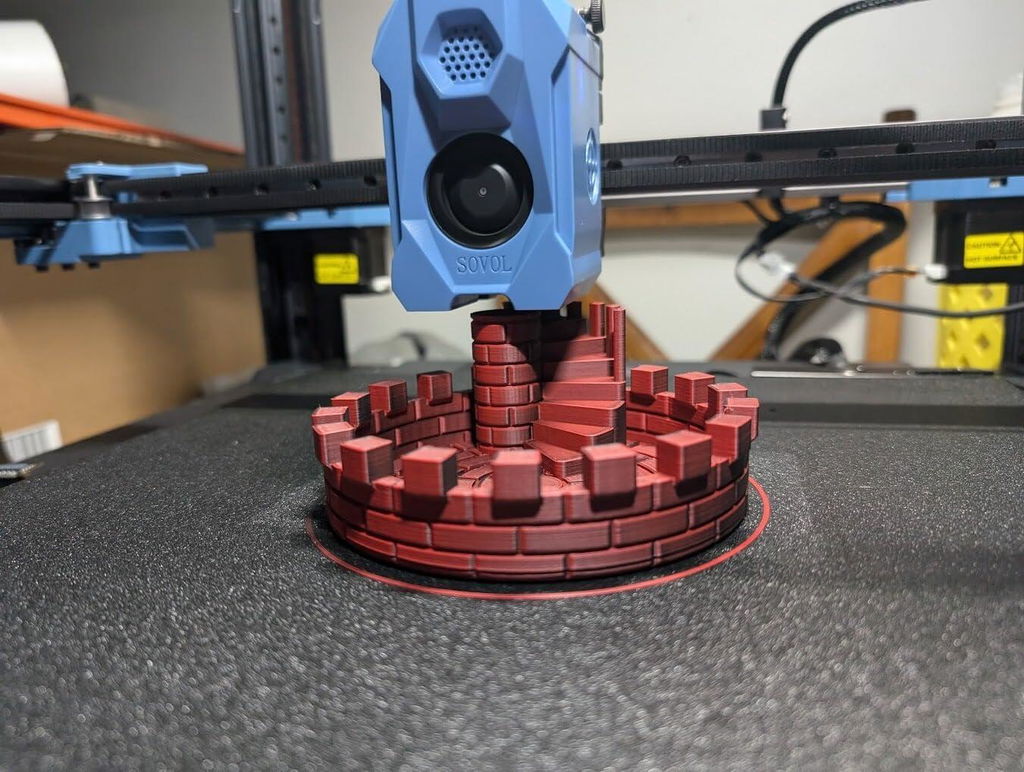
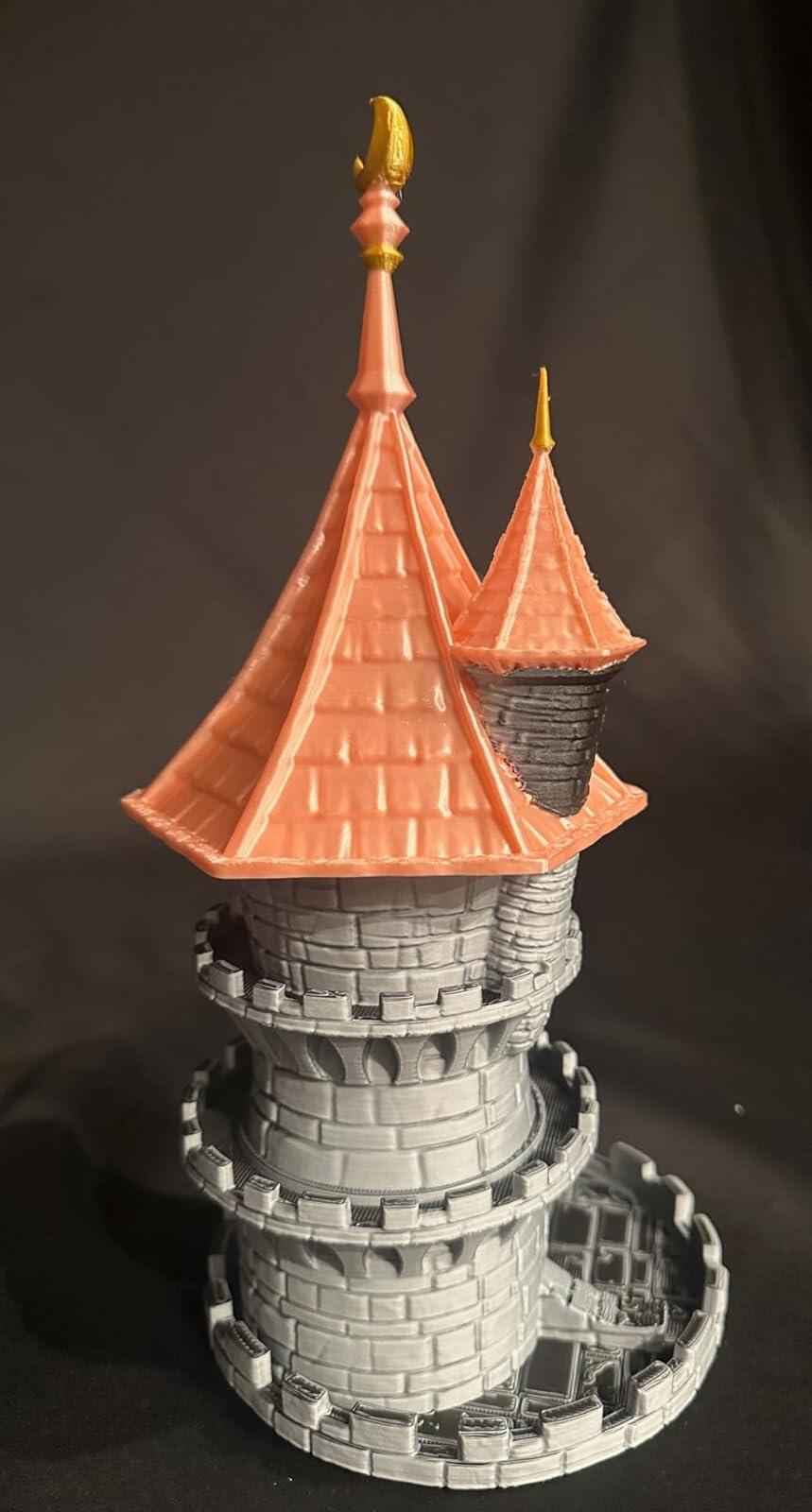
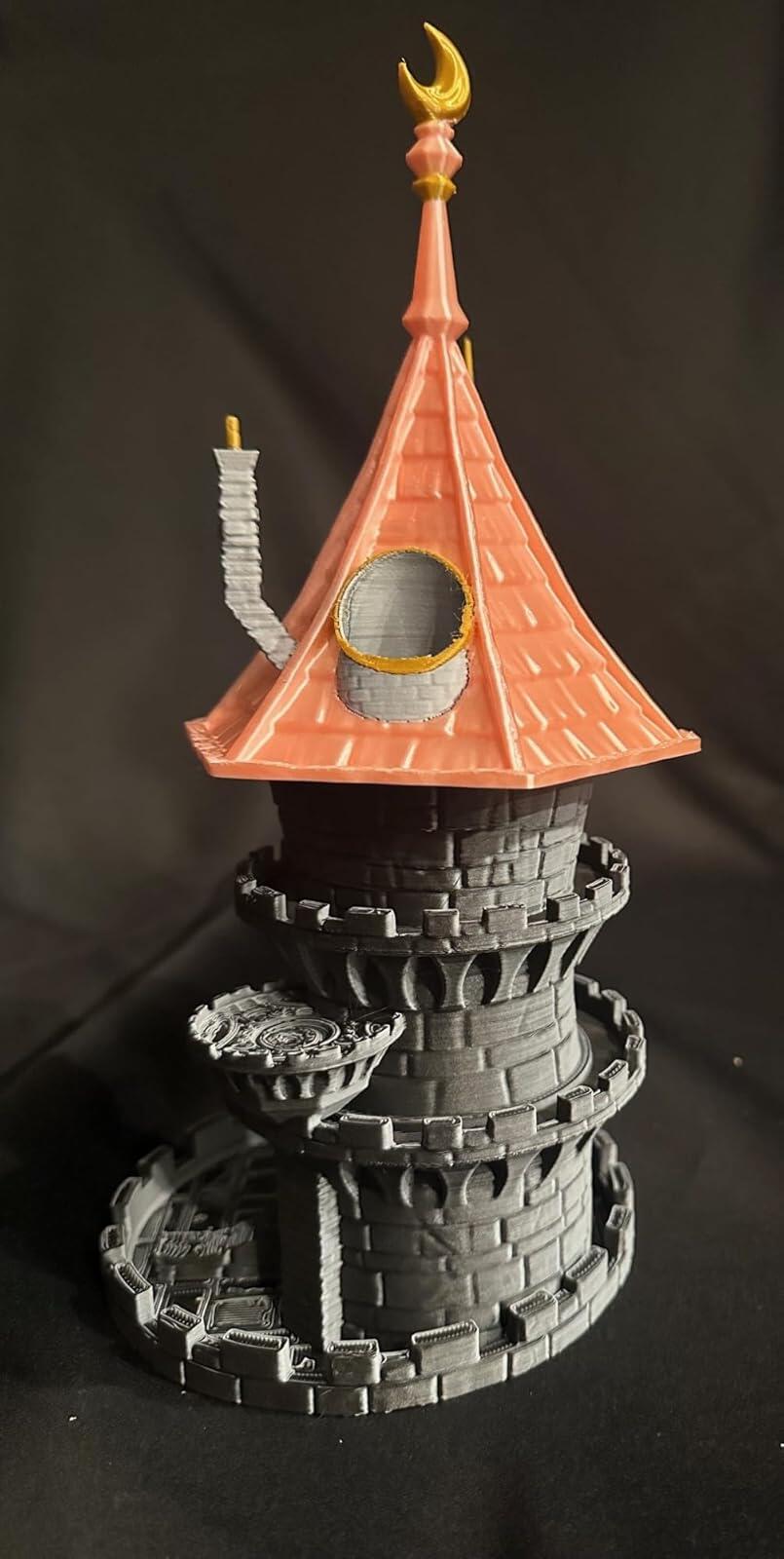
I've never used a dual color filament before and figured I'd try this out. Had zero issues printing it with my standard PLA profile on my Sovol SV08. It's not a great option if you're printing an item with a lot of large flat surfaces, as you will hardly see the colors switch, however, it worked out great for a dice tower a friend asked me to print (Dice Tower Castle Stairs on printables).The attached photo is obviously not the completed tower, but it does show how nice it was printing, and it shows off the color variations that were produced.
Love it prints great :)
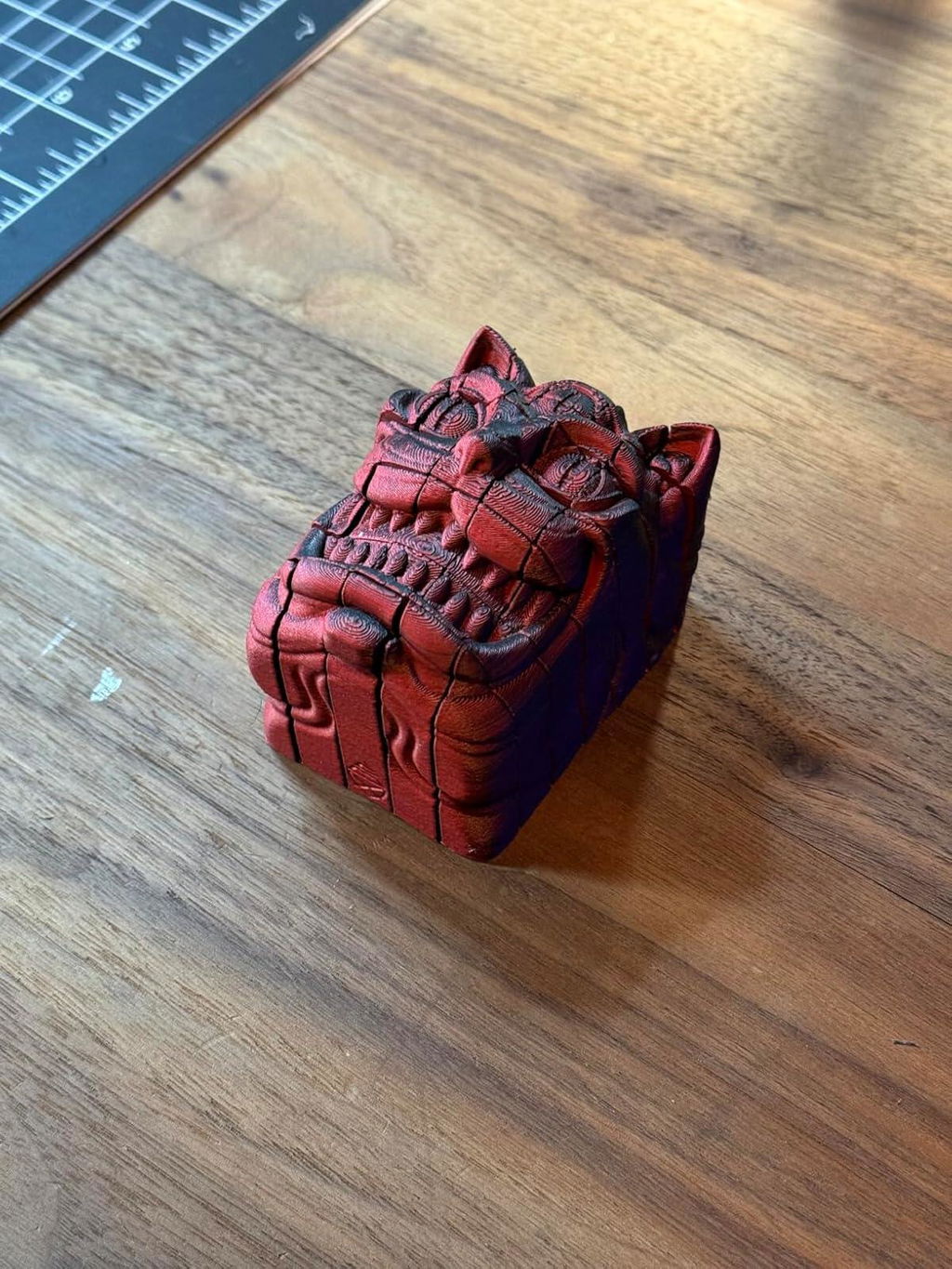
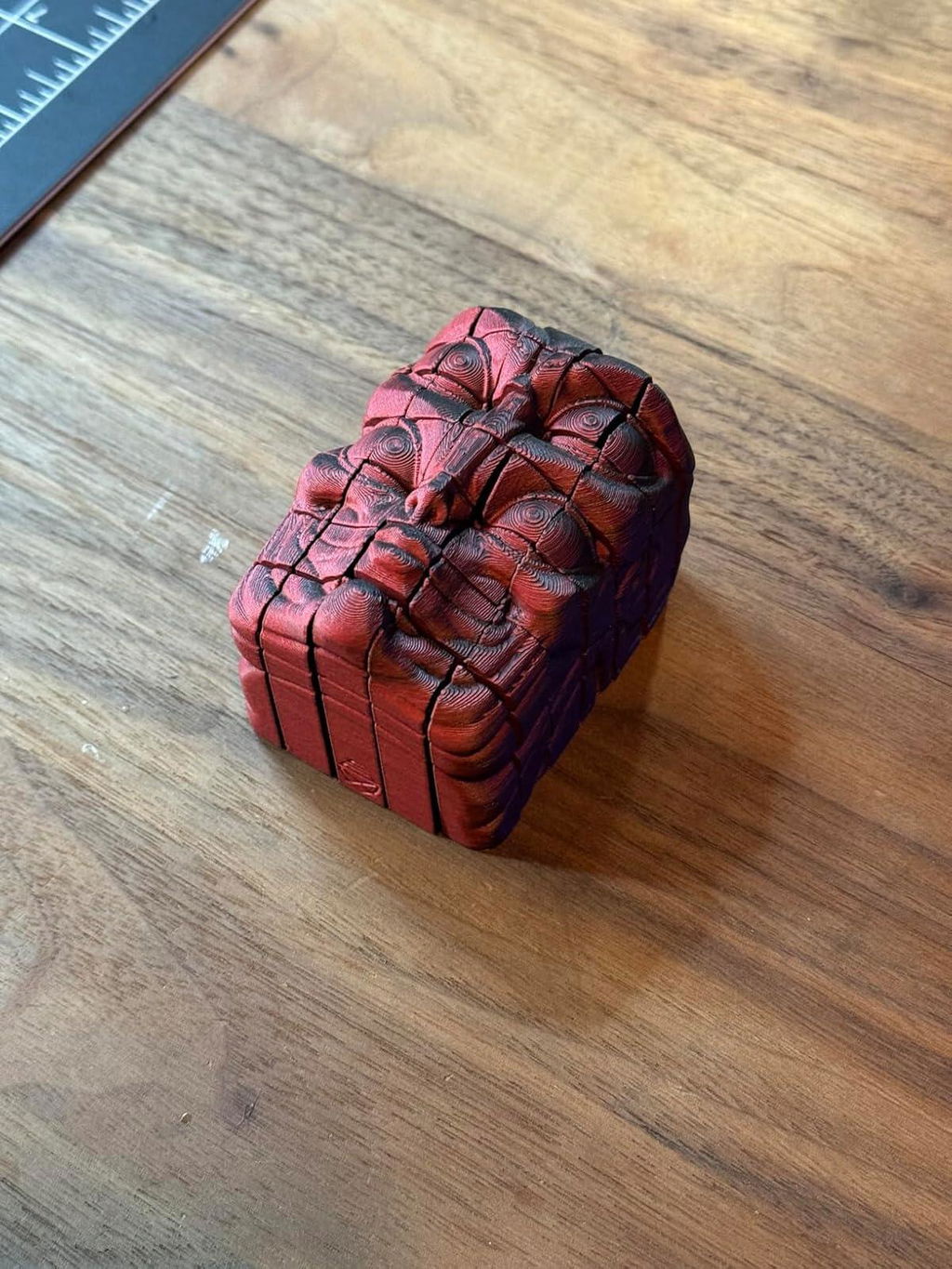
Filament prints nicely. I was hoping for more of a intermixed result, instead of the colors being on one side or the other of the model. I also would like to note that I do not have allergic reactions when using Polymaker PLA filament compared to other brands. No watery eyes, stuffy nose or trouble breathing. So I will be using Polymaker filament from now on.
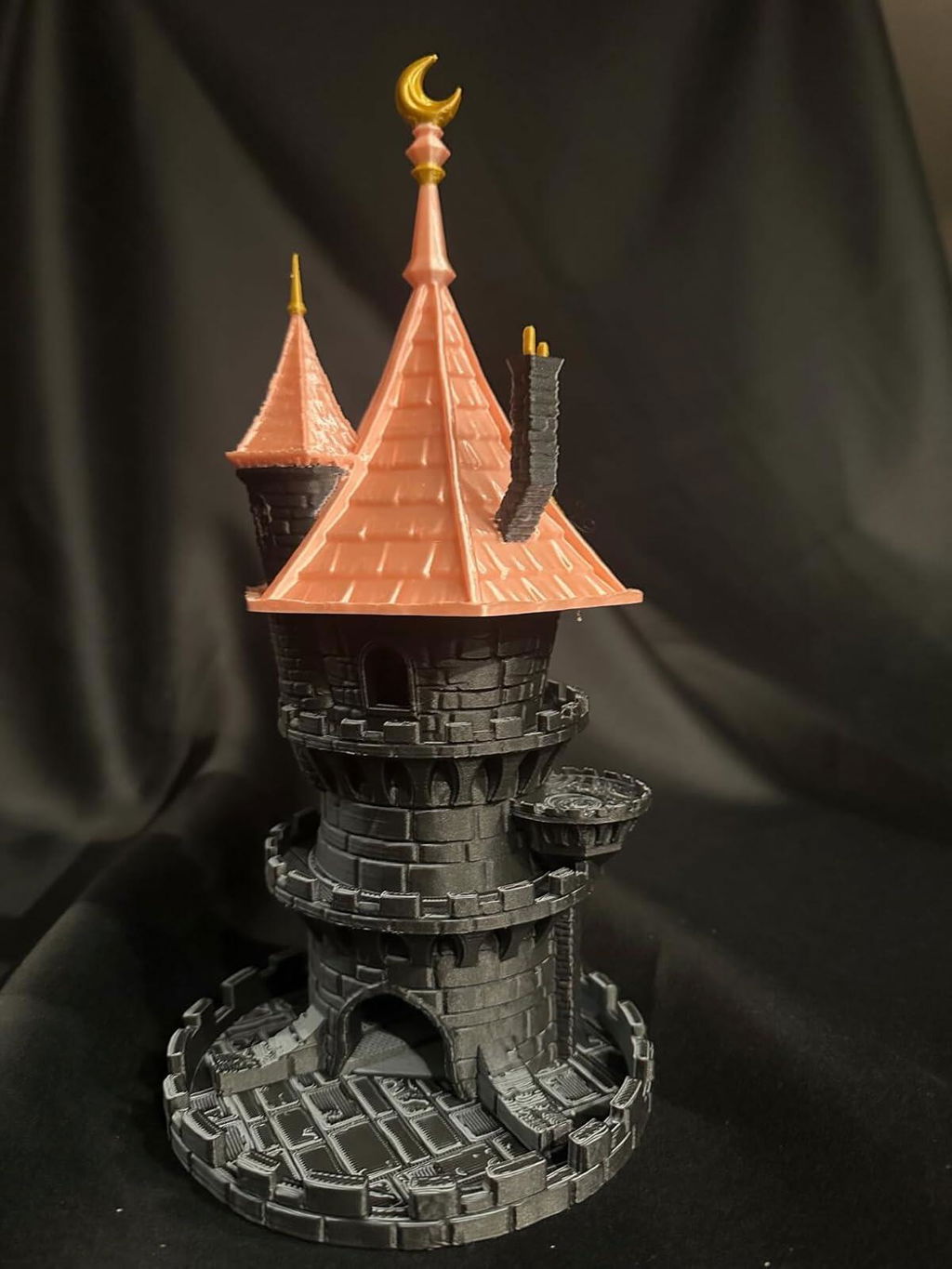
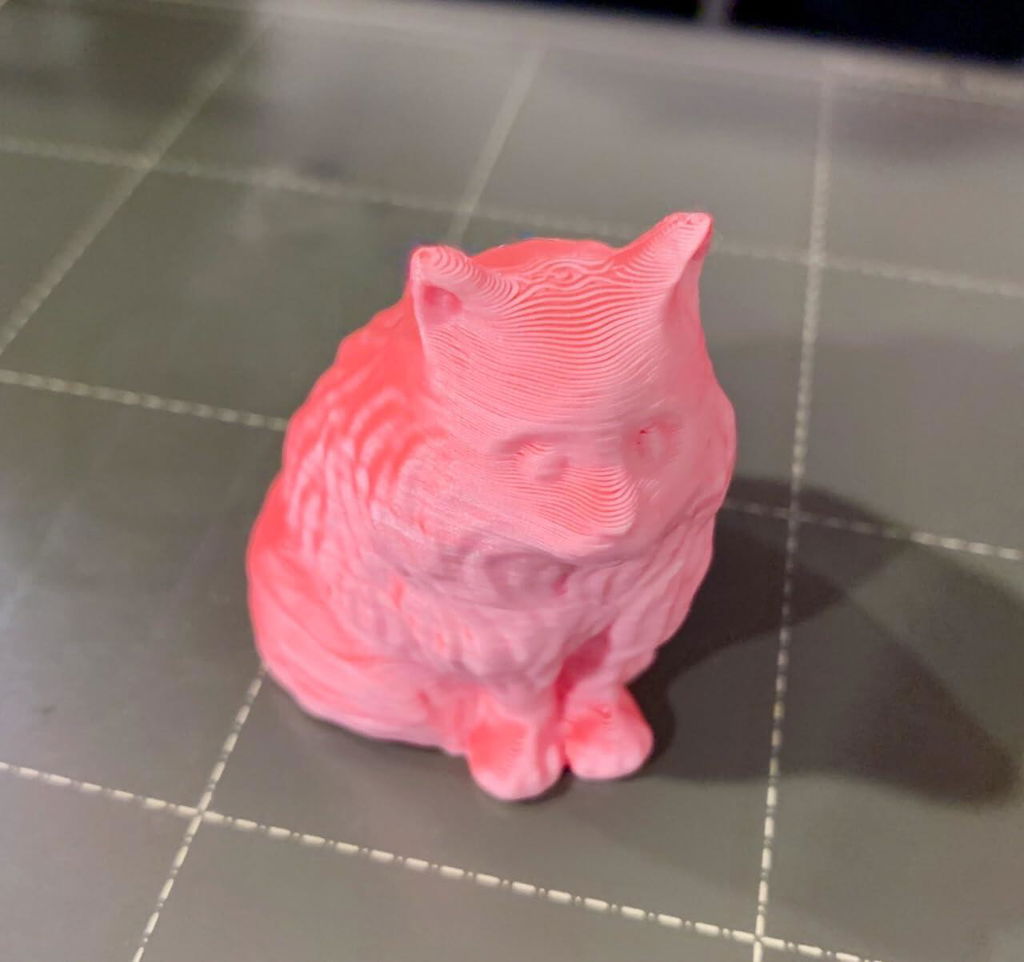
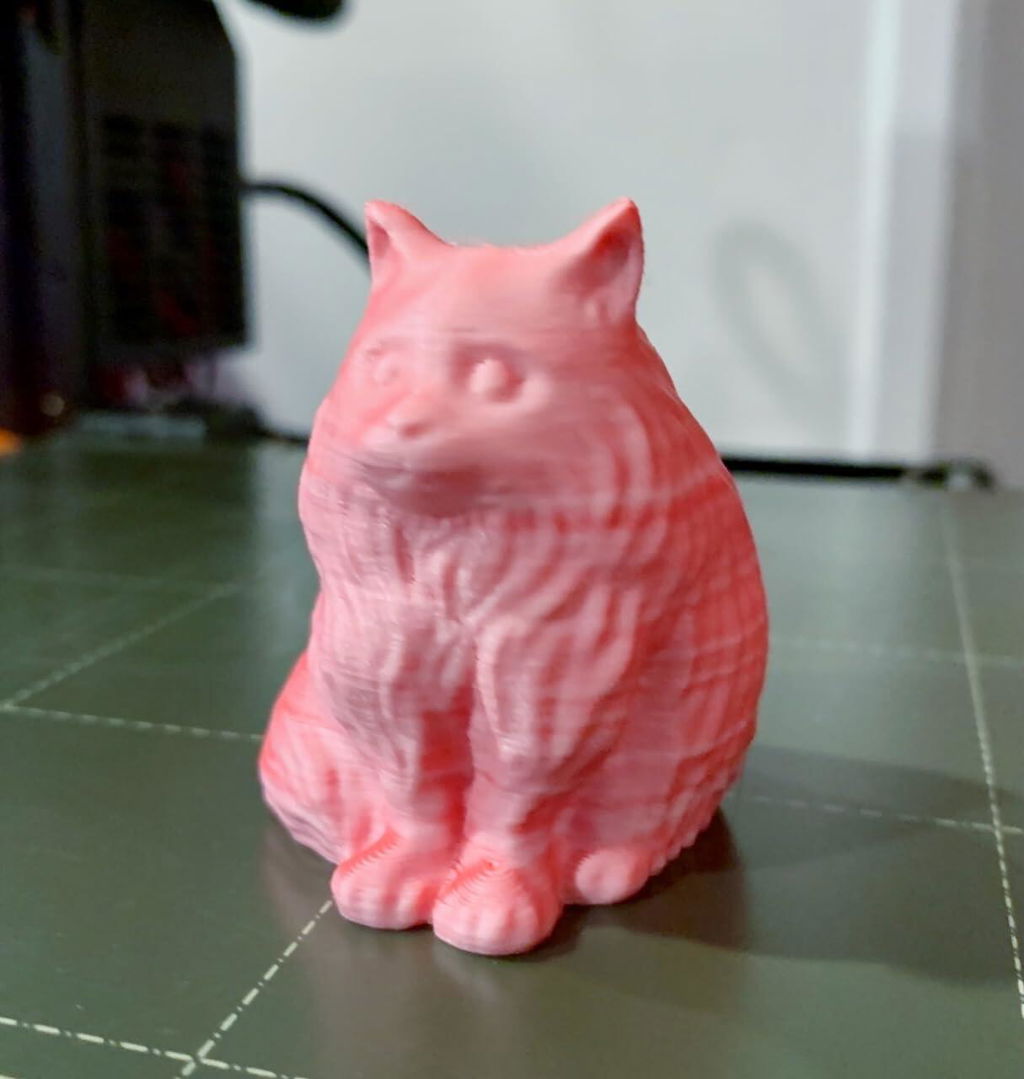
I love flamingo colors in general. This dual pink/coral red combo is really unusual in filament, so I had to get it! It prints reliably as expected at default PLA settings on my Prusa MK3S+. I have had no trouble with adhesion so far! Very cool filament and I may have to try some of the other colors next :)(Edited to add: I finally printed a flamingo with the flamingo filament, and well... see the pics! It's perfect, as expected! :D )
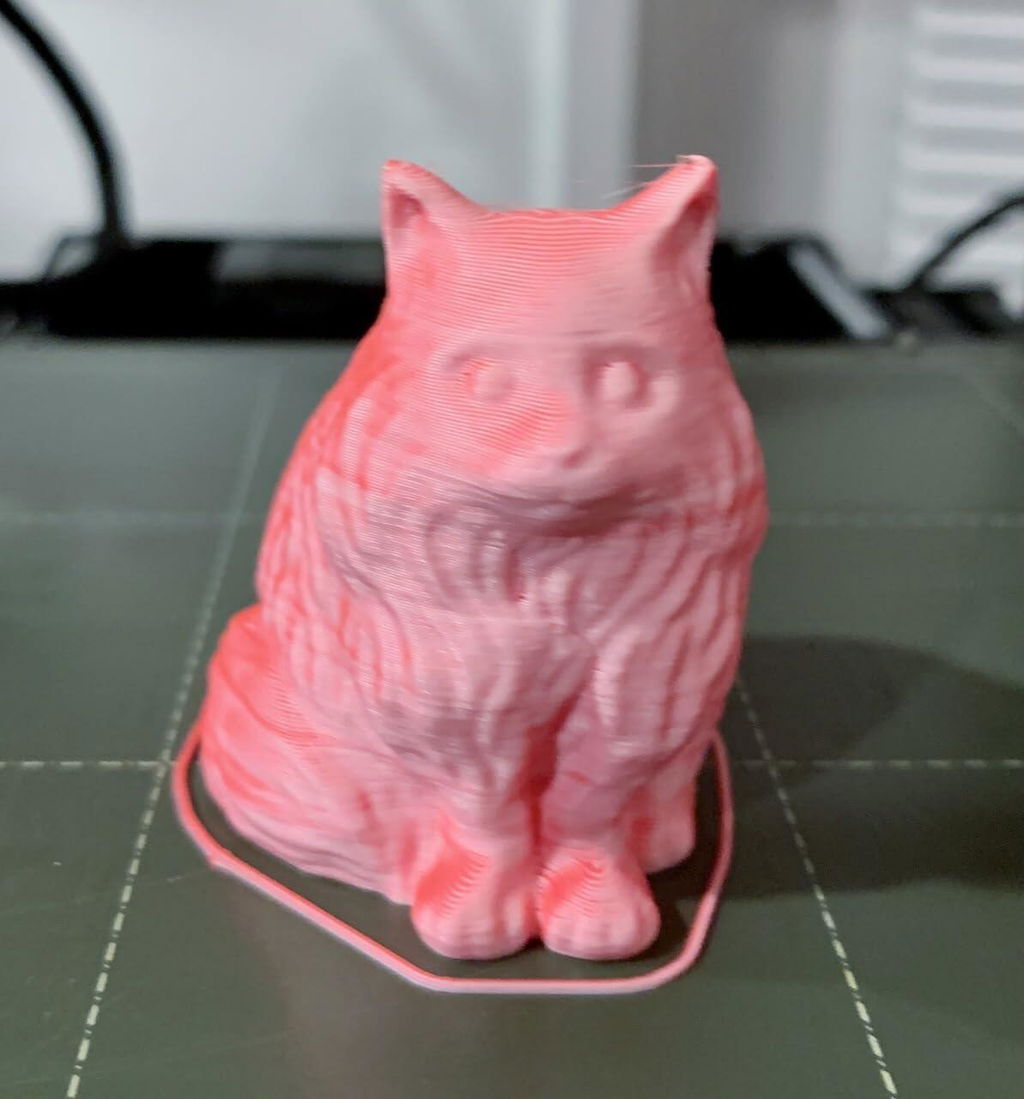
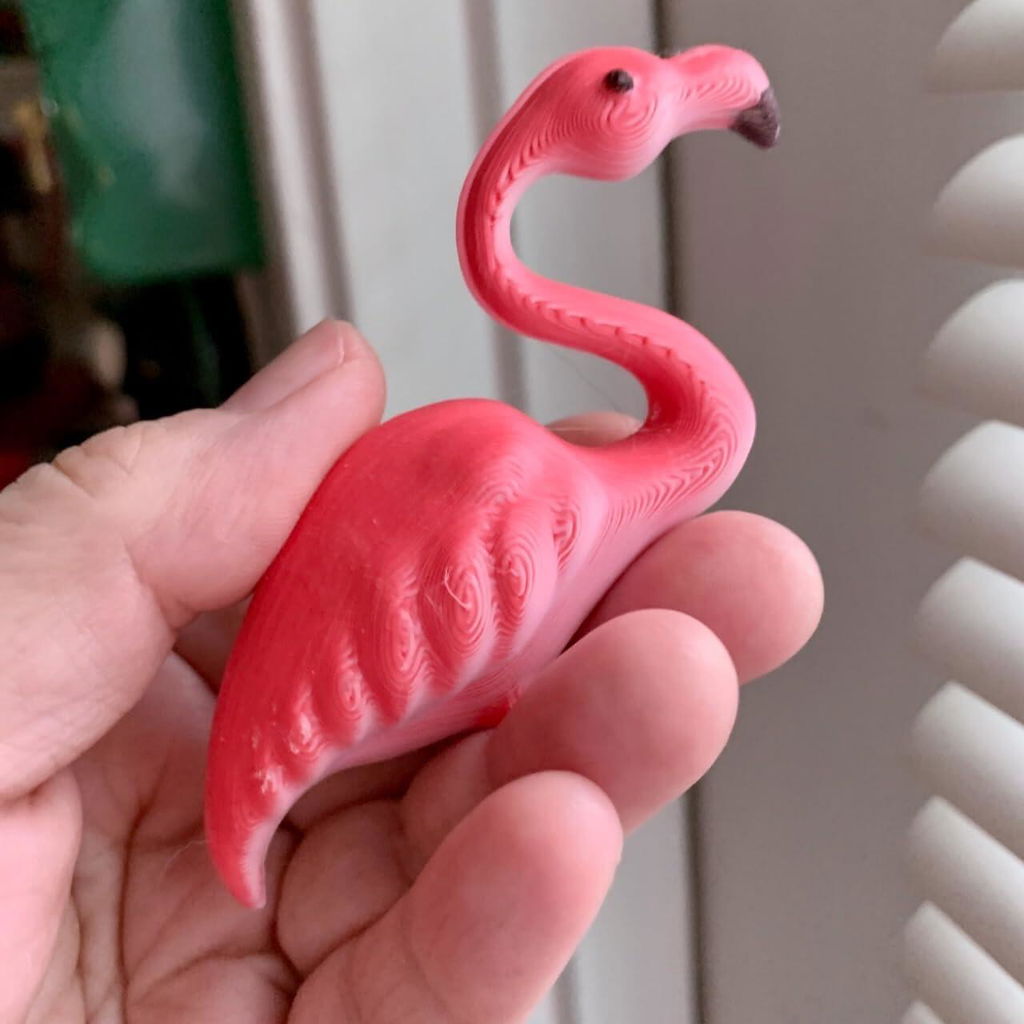
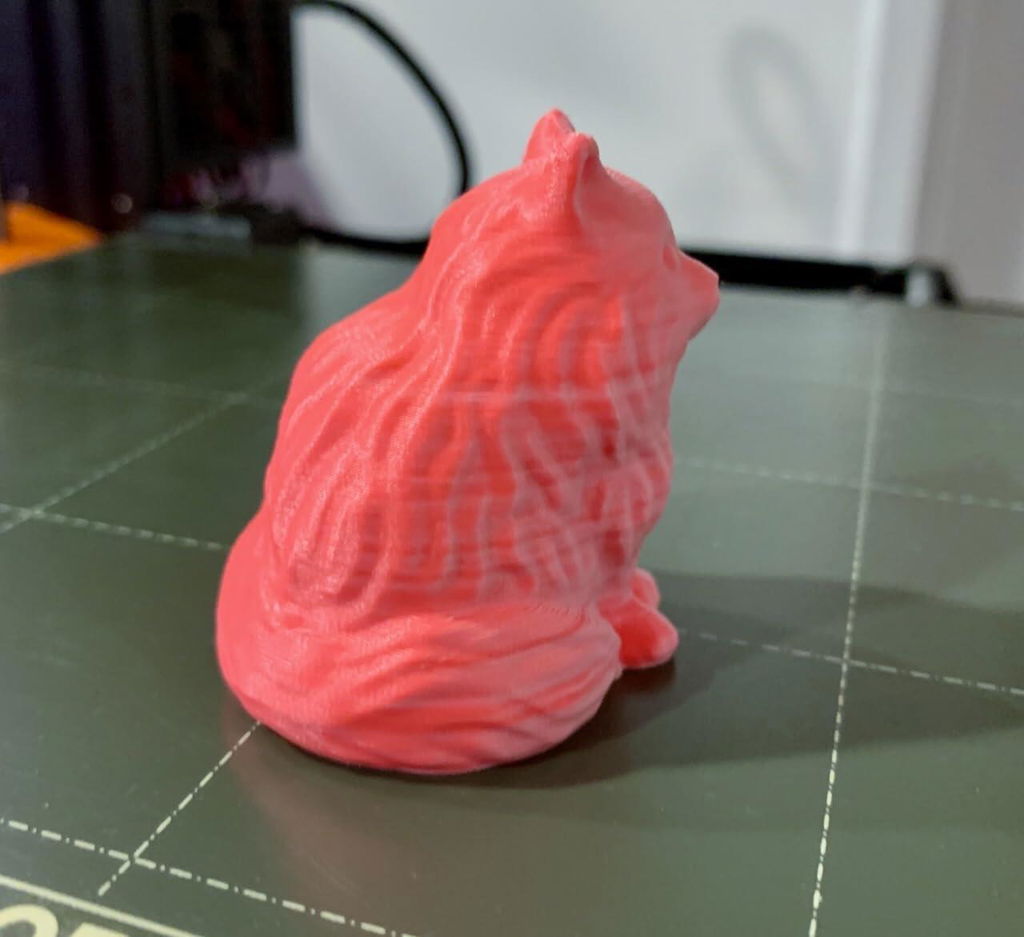
Ran this on my K1max and it came out amazing. Such a great filament. Need other colors now.
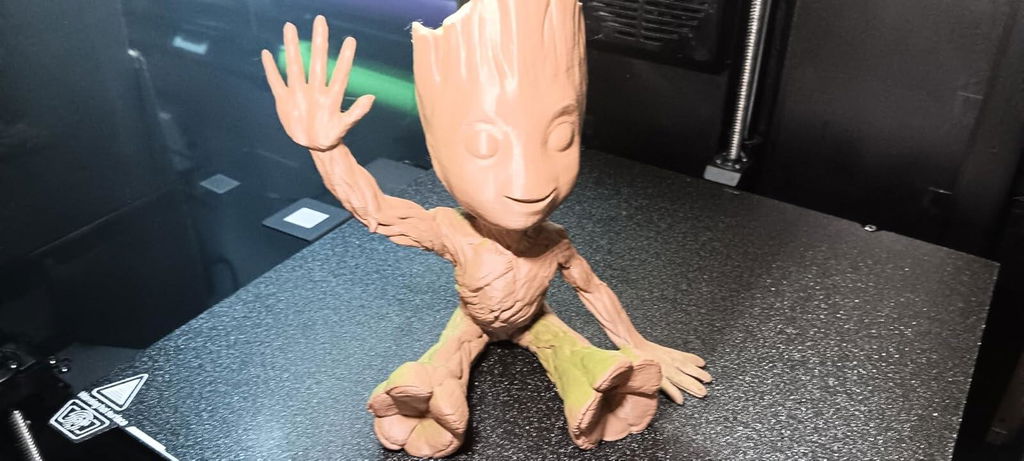
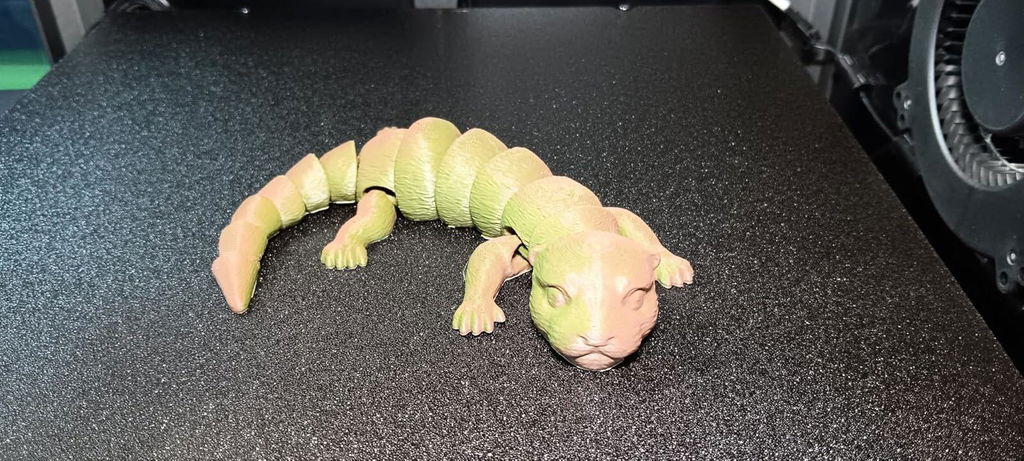
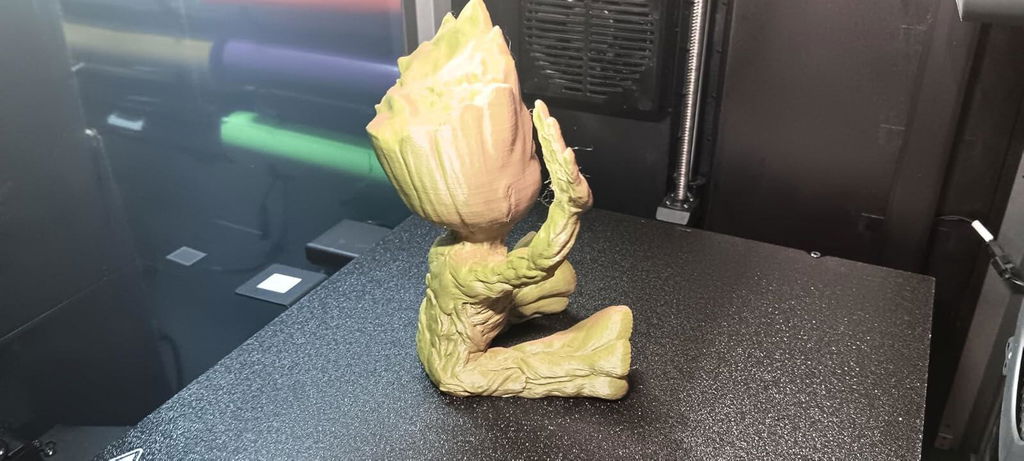
Prints so clean & easy. No problems at all!
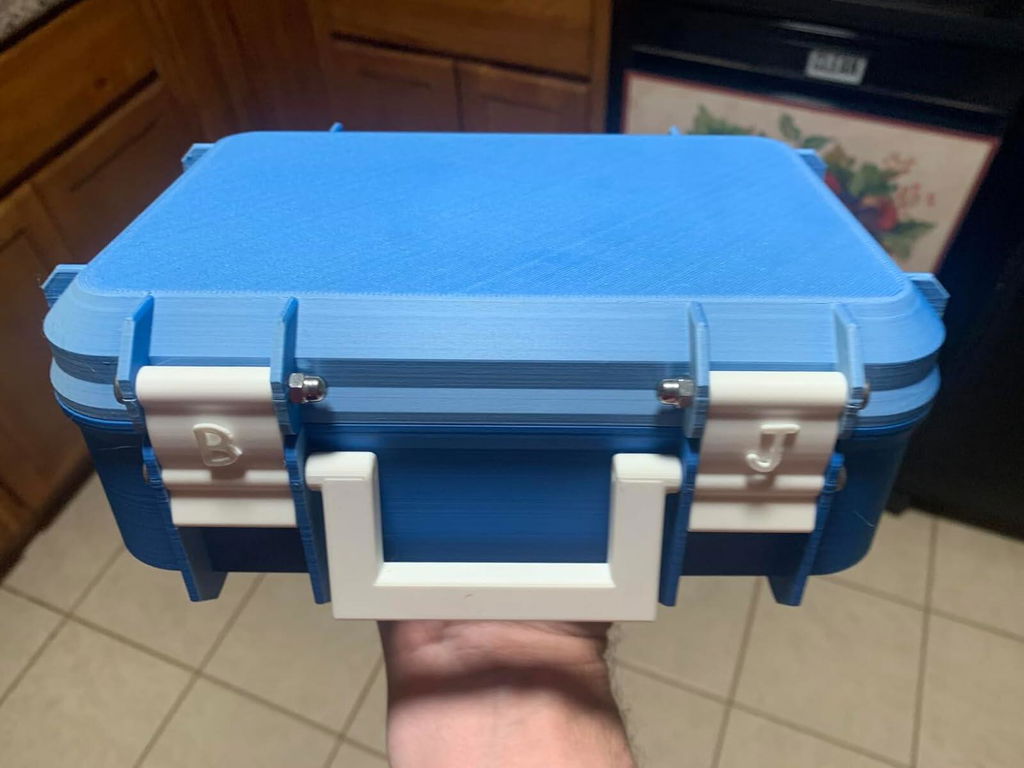
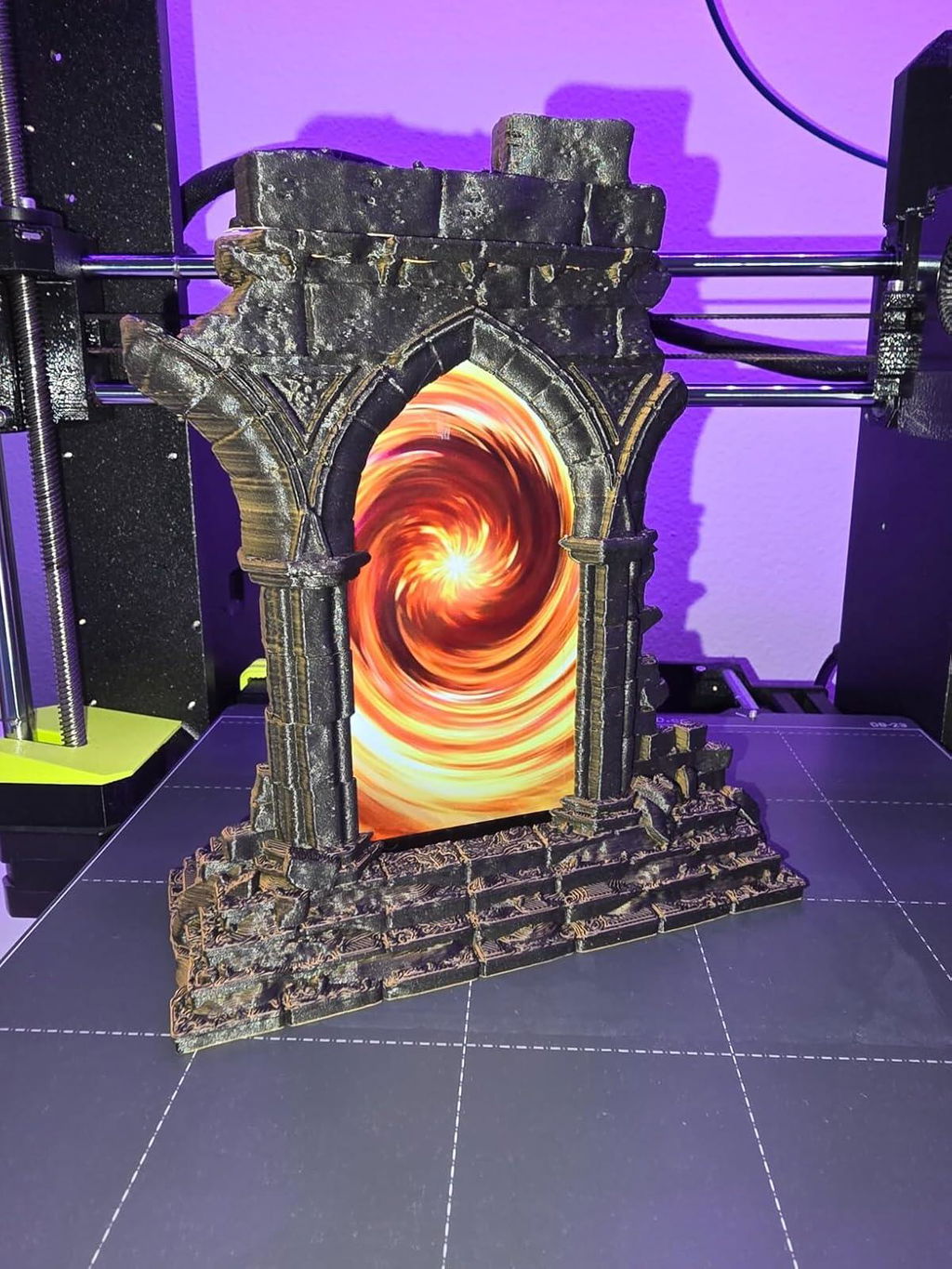
As reliable as all PLA from Polymaker. The dual color combination of orange and black was perfect for my Portal project.
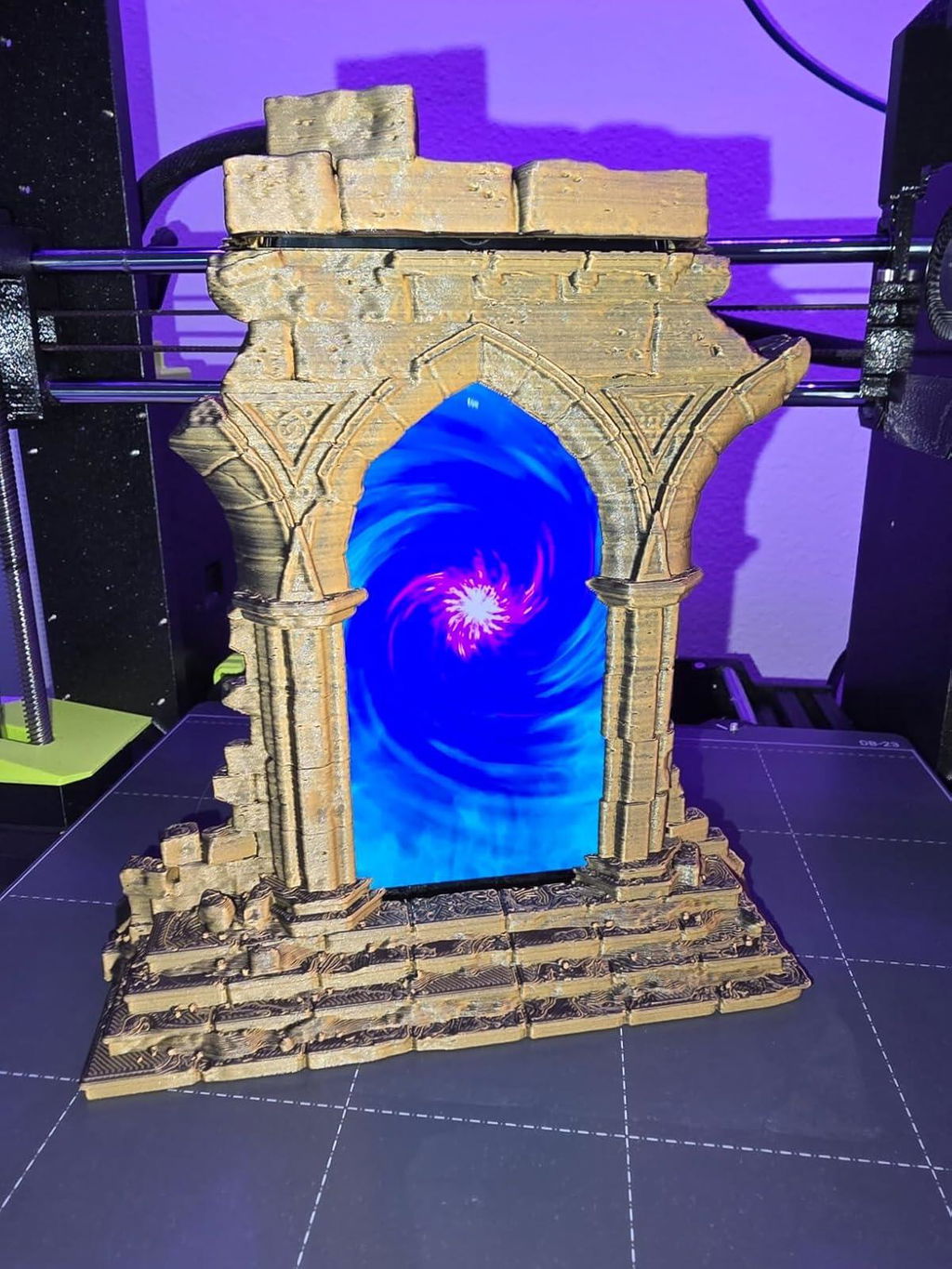
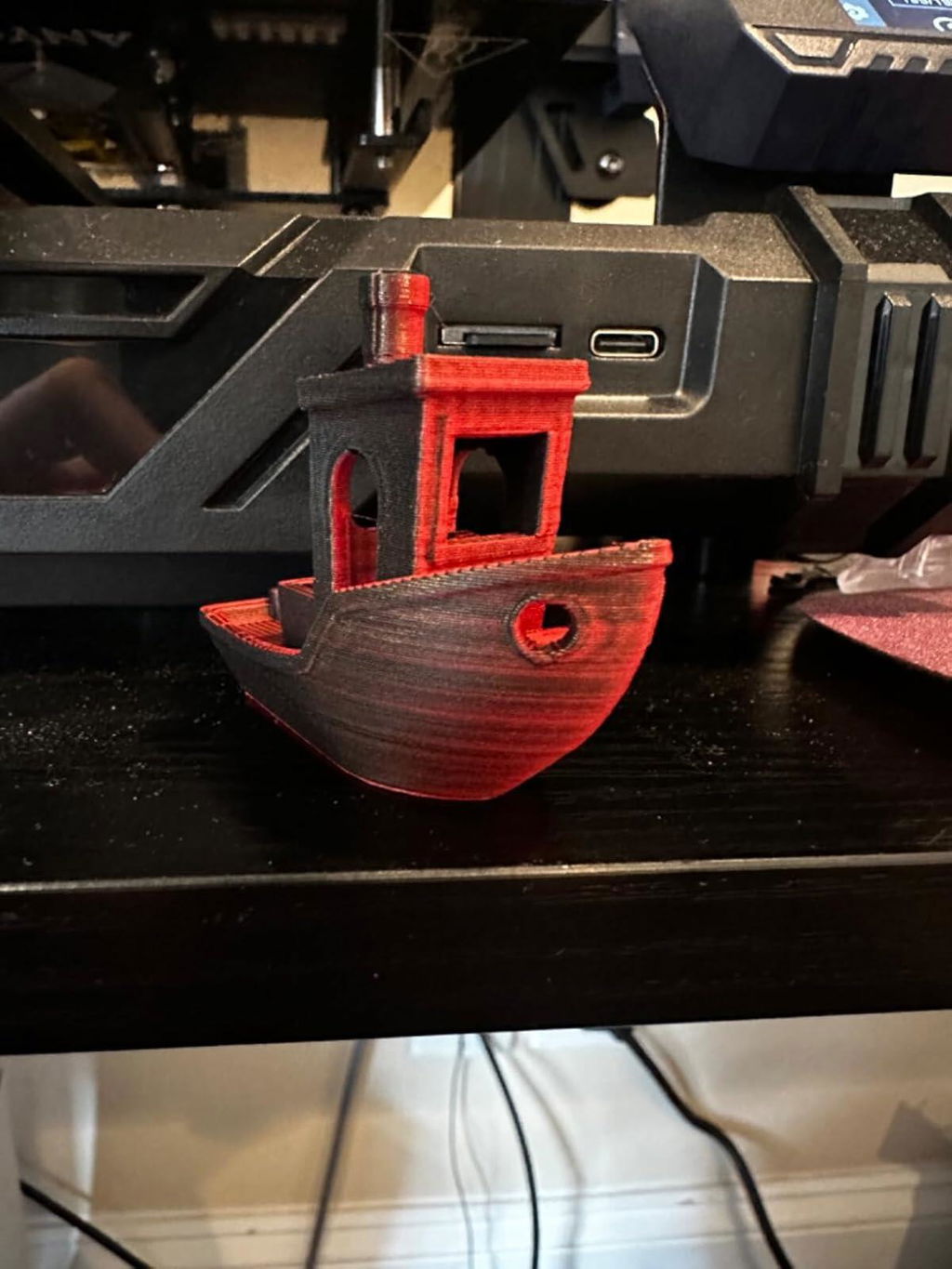
Works great, matte finish is amazing
This filament prints better than it looks in the spool. The results are super cool and I love it! I will buy more and definitely recommend! It almost has a wood type of look to it. Creates texture even though it's smooth. Adhesion is great and there's no warping in my Bambu.
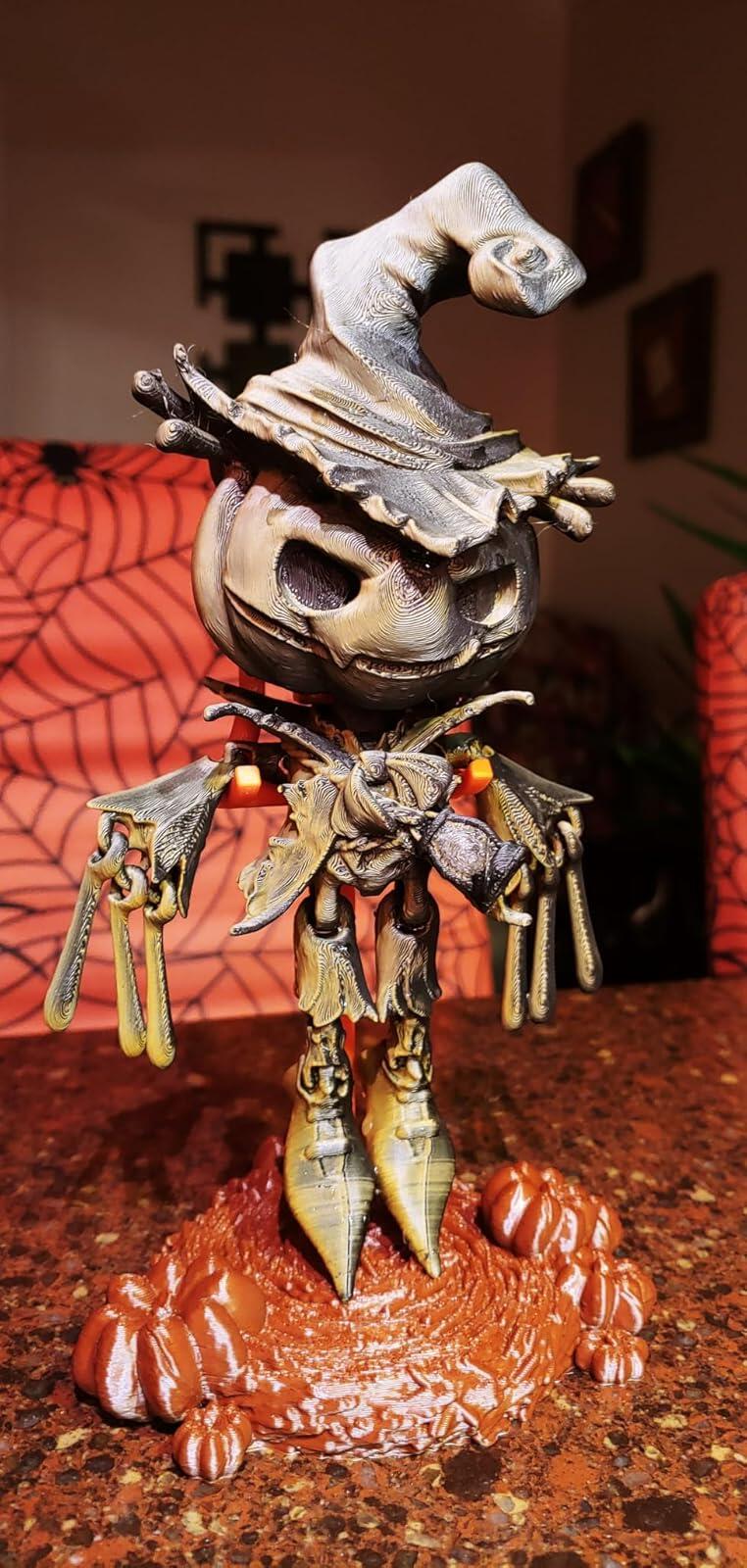
Polymaker is known for ease of printing and this is no exception. Best results will come with ether a vase mode print or a good direct drive extruder.Colors are good, but note the yellow will not be as vibrant as a pure yellow pla. Still a fantastic effect.
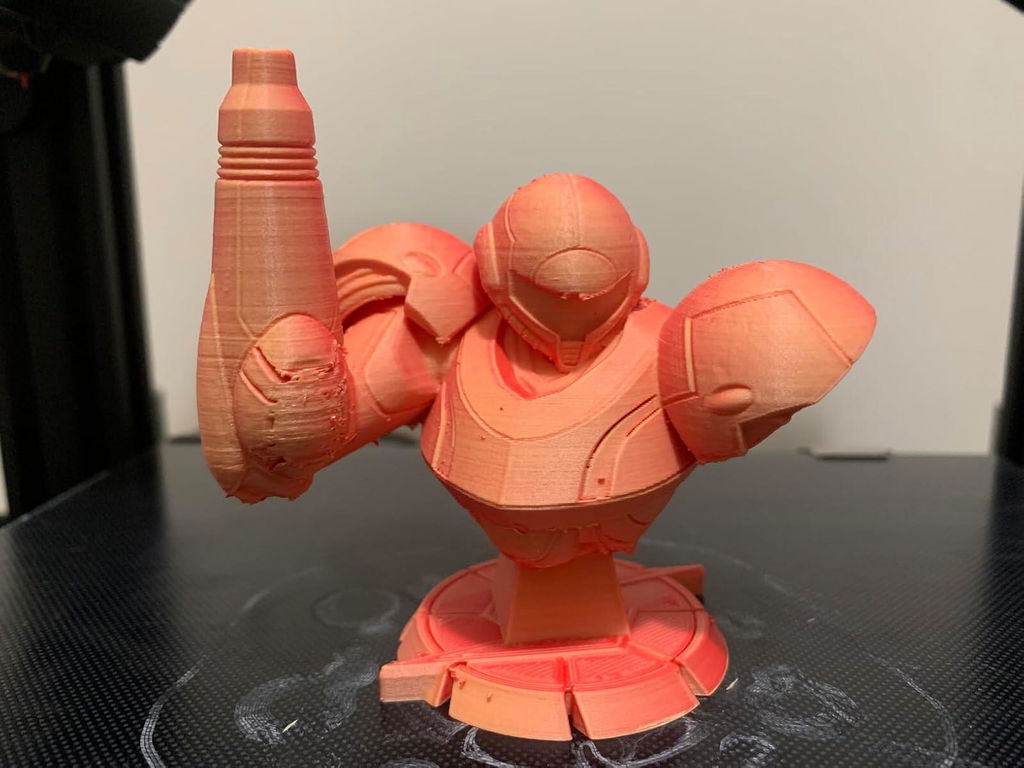
I used the black and red dual filament, came out great, and haven't had any issues.
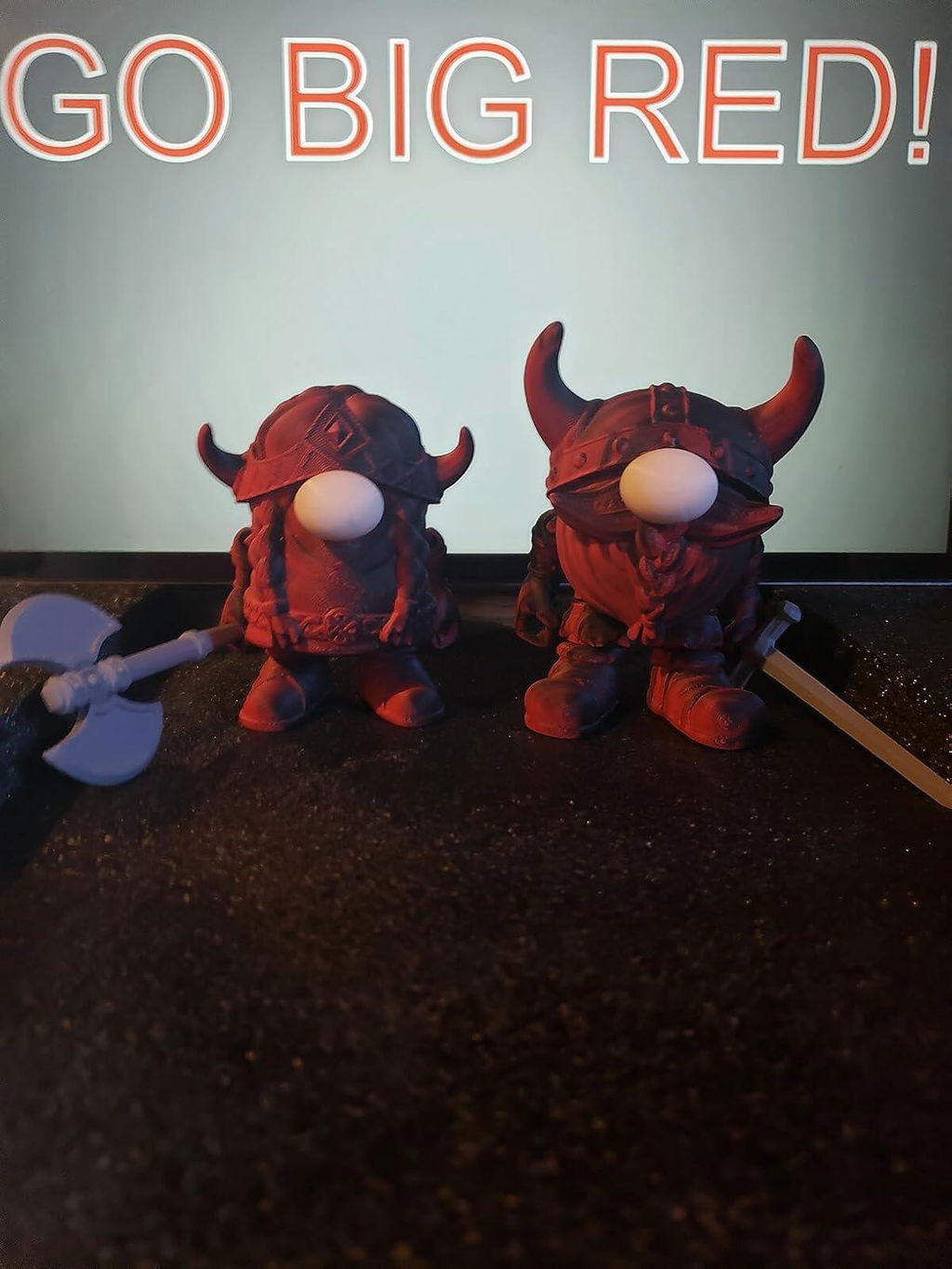
I always give a rave review to polymaker filament in general, this time is no exception. See attached photo for some lock pick handles that I made using this filament color. Printed good at standard pla temps, no issues, no moisture, just good , consistent filament
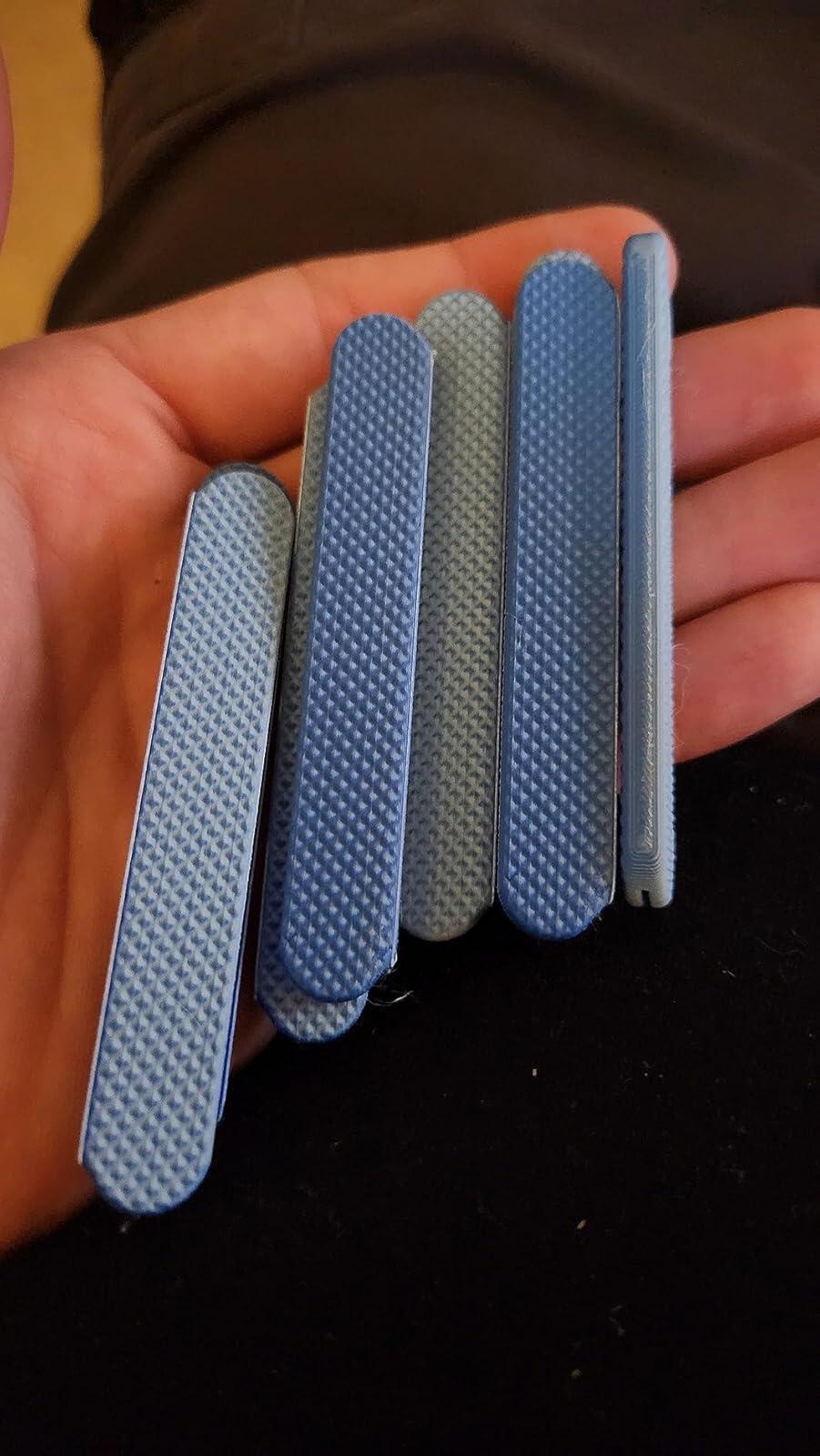
The lack of printed model photos and the photo of the spool are kind of misleading in the listing. I bought he camo color and it's not very pretty - but it does print very nicely and I love the finish. I wish there had been a better example of the color before I purchased, but I will buy again in other colors.
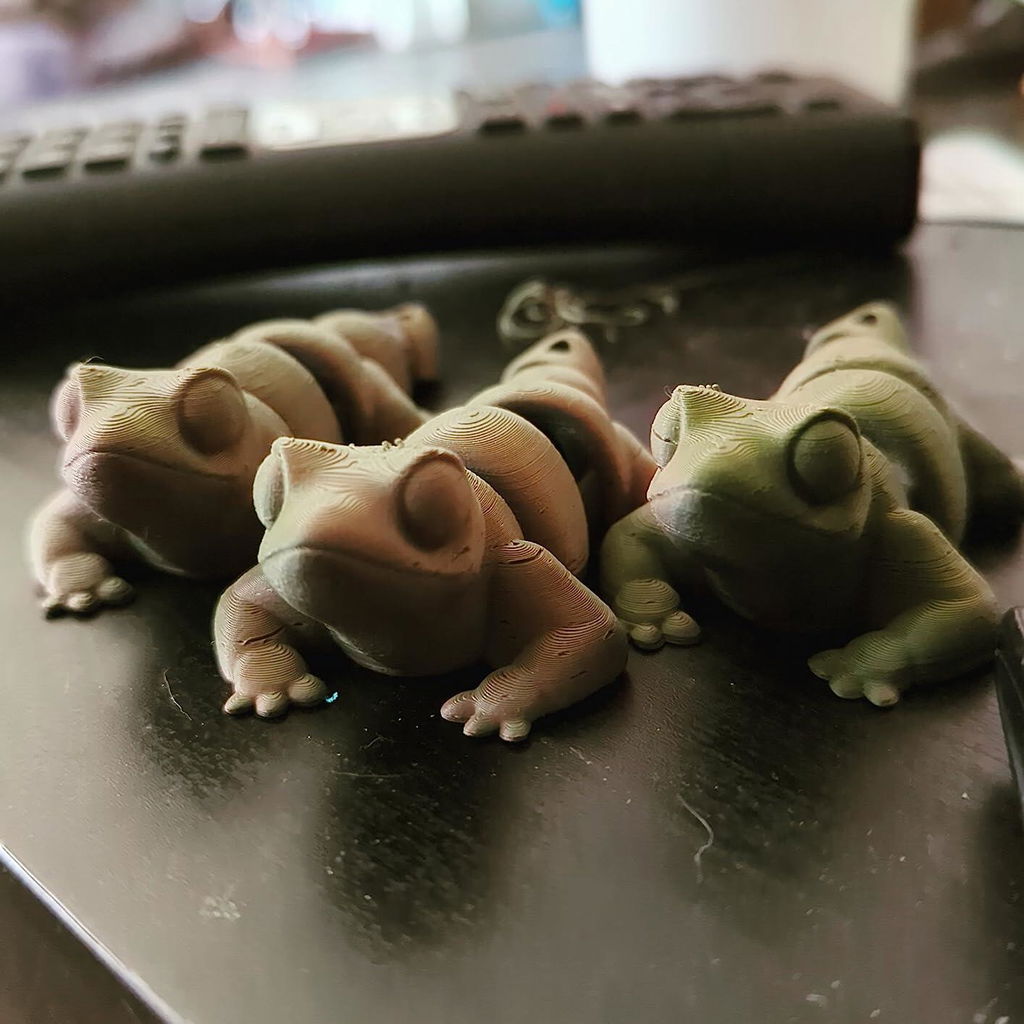
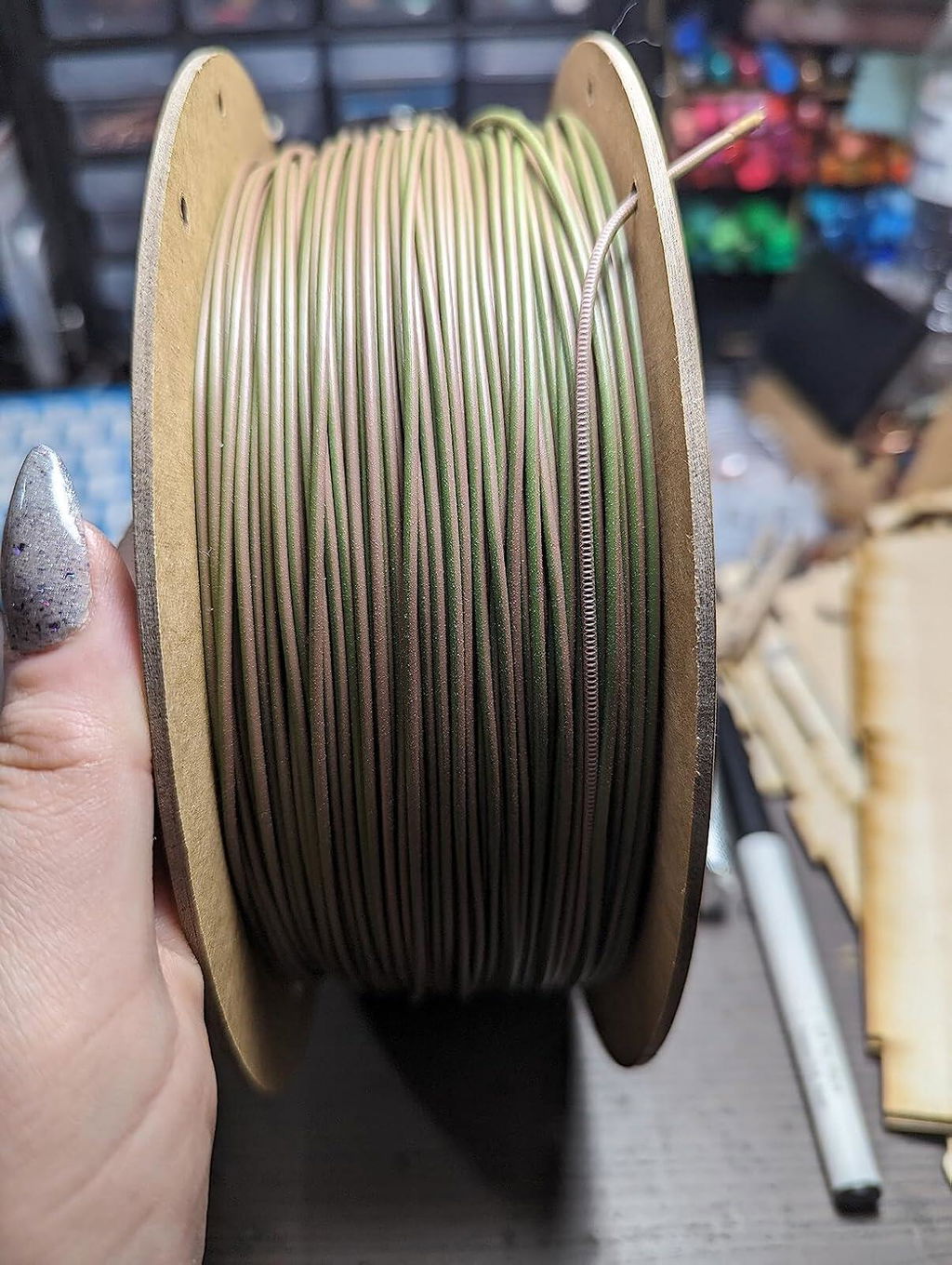
Worked great and had the coolest color shift!
Bought this product and I am loving how easy and dependable it prints. The color is also gorgeous
They sent me a spool of this stuff in red/yellow with my last order. It seems to print OK at least dimensionally using the generic PLA setting in Prusaslicer. But man, is it fugly. I am just trying to use it up by printing Gridfinity bins with it. I am sure somebody probably wants this stuff, but I don't know why Polymaker would have thought a guy who is ordering multiple 5 kilo spools of black ASA would be that person. To add injury to insult, this stuff arrived quickly, while the filament that I actually wanted took for effing ever to get here.
